Octo Browser Review 2026: Best Anti-Detect Browser for Multi-Account Management?
A full review of Octo Browser — the anti-detect browser used for multi-account management, TikTok automation, AdSense, and affiliate marketing. Features, pricing, setup, and who it's actually for.

If you're managing multiple accounts on TikTok, running AdSense across different profiles, or doing any kind of automation at scale — you've probably hit the wall. Platforms detect your IP, fingerprint your browser, and link accounts together even when you think they're separate. That's the problem anti-detect browsers are built to solve, and Octo Browser is one of the most widely used tools in this space right now.
This review covers everything you need to know: what Octo Browser actually does, how to set it up step by step, what the proxy integration looks like in practice, what you'll pay, and whether it's the right tool for your situation. This is based on the hands-on walkthrough from the video, plus detailed research on the current state of the product in 2026.
What Is an Anti-Detect Browser and Why Does It Matter?
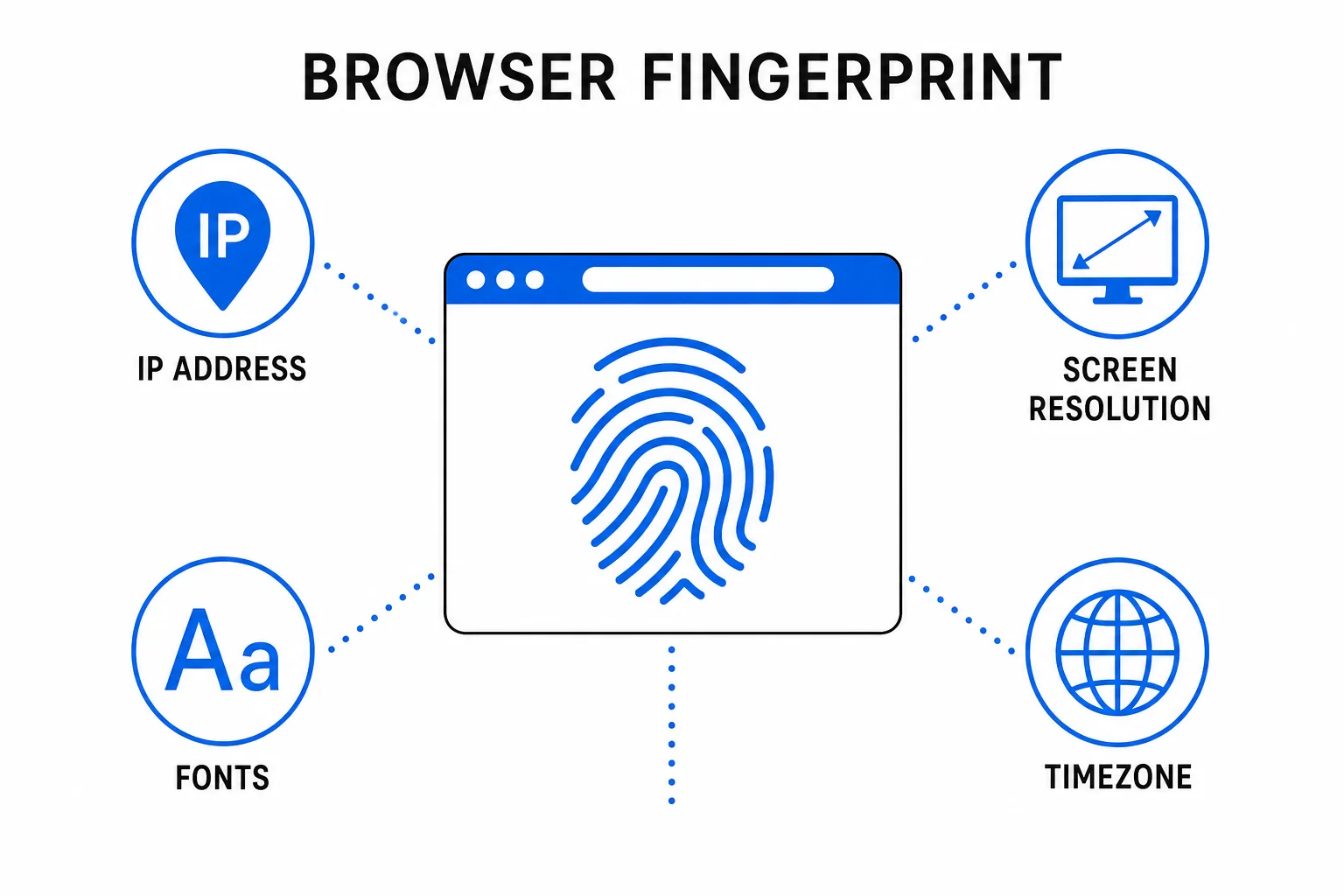
Most people assume platforms track you through your IP address. That's only part of the picture. When you open any website, your browser automatically sends a detailed set of identifiers that together form your digital fingerprint — and it's far more specific than your IP alone.
This fingerprint includes your operating system, browser version, screen resolution, installed fonts, time zone, language settings, WebGL parameters, hardware specs, and over 50 other data points. Modern anti-fraud systems — used by Facebook, TikTok, Google AdSense, and virtually every major platform — combine all of this to create a unique signature that follows you across sessions, devices, and IP addresses.
The result: even if you're using a VPN or a different SIM card, platforms can still link your accounts together based on your fingerprint. This is why people running TikTok automation, AdSense on multiple sites, or affiliate marketing campaigns across ad accounts keep getting flagged or banned — the fingerprint gives them away.
An anti-detect browser solves this by creating isolated browser profiles, each with a completely different, believable fingerprint. Every profile looks like a separate machine to the platform. If you're evaluating your options, we've put together a full breakdown of the best anti-detect browsers for 2026 — Octo Browser is one of the top picks, and this review dives deep into why.
What Is Octo Browser?
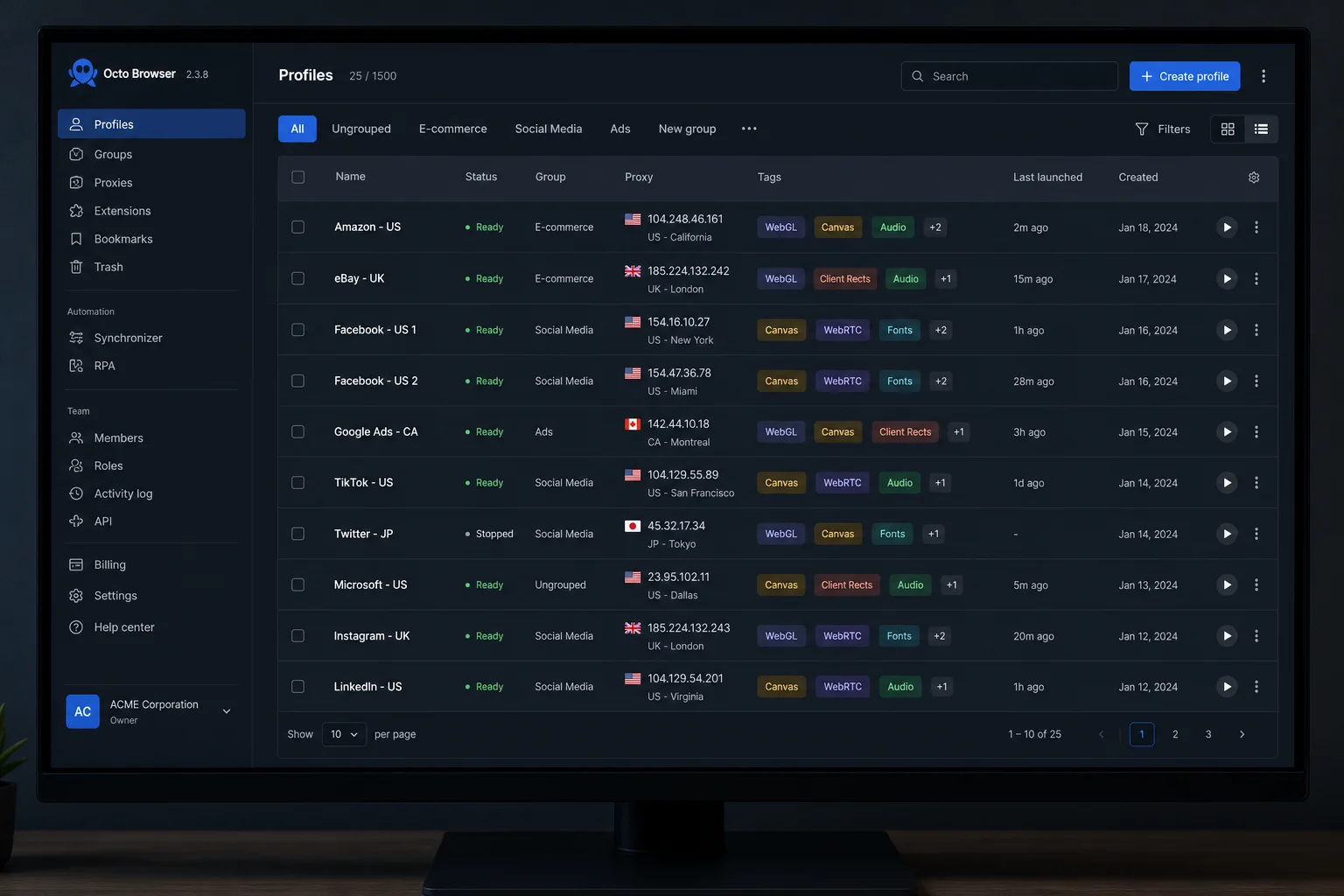
Octo Browser is a Chromium-based anti-detect browser launched in 2021 by a team from Belarus. It's built specifically for professionals who need to manage multiple online accounts without those accounts being detected or linked by platforms.
What sets Octo Browser apart technically is where the fingerprint spoofing happens. Most anti-detect browsers modify fingerprint data at the JavaScript level — which is relatively easy for modern anti-fraud systems to detect. Octo Browser does it at the Chromium kernel level, which is a fundamentally more reliable approach and much harder for platforms to catch.
The result is that when you run a profile through Octo Browser and test it against fingerprint verification tools like Pixelscan, CreepJS, Whoer, or BrowserLeaks, it passes cleanly — no flags, no inconsistencies. For anyone whose livelihood depends on accounts staying clean, that technical depth matters.
Octo Browser works on Windows, macOS, and Linux on desktop. It also has mobile support — on iPhone and iPad, you can use it completely free with up to 100 browser profiles. For desktop use, you'll need a paid subscription.
Key Features That Make Octo Browser Stand Out
Here's what you actually get with Octo Browser beyond the core fingerprint isolation:
50+ Fingerprint Parameters
Every profile gets a unique combination of over 50 browser and device identifiers — OS signature, screen resolution, WebGL settings, audio context, hardware specs, and more. You can customize each parameter manually, pull from a template, or let Octo generate a randomized but internally consistent fingerprint automatically. The auto-generation is solid for most use cases; manual control is there when you need precision.
Bulk Profile Creation
You can create up to 100 profiles simultaneously, either from scratch, via cookie import, from a template, or through random generation. The profile template system is particularly useful for volume operations — set up a configuration once, then mass-create profiles from it. This is what makes Octo practical for agencies running dozens of ad accounts or affiliate campaigns.
Proxy Integration
Each profile gets its own proxy connection. Octo Browser has a built-in proxy marketplace where you can purchase proxies directly, or you can bring your own SOCKS5 or HTTP proxies. The proxy checker inside the browser confirms that your IP, timezone, and location are correctly matching your intended identity before you start any activity — which prevents the inconsistency errors that trigger flags.
Team Collaboration
Octo supports role-based access for teams, with profile sharing that preserves fingerprint integrity. Multiple team members can work from the same profile pool without accidentally contaminating each other's sessions. Tagging and activity history tracking let managers monitor what's been done across profiles. This is what makes it viable for actual agencies, not just solo operators.
Cookie Robot and Warm-Up Tools
Octo has a Cookie Robot that automatically browses websites to build a realistic browsing history for a new profile before you start using it for account work. This is important for platforms that assess account trust based on prior browsing behavior — a fresh profile with no history looks suspicious. The warm-up process makes profiles look genuinely used before you log in anywhere.
API Automation
For teams doing serious automation, Octo's API lets you integrate profile management into external workflows. Combined with tools like Puppeteer or Playwright, you can fully automate browser interactions across profiles without doing anything manually. If you're building out a broader automation stack, our guide to n8n automation workflows pairs well with this kind of multi-profile browser setup.
Mobile Support (Free on iOS)
If you're using an iPhone or iPad, Octo Browser's iOS app gives you 100 browser profiles for free the moment you create an account. This is a meaningful entry point for testing the platform without committing to a desktop subscription. The iOS version covers all core use cases for mobile-based account management.
How to Set Up Octo Browser (Step-by-Step)
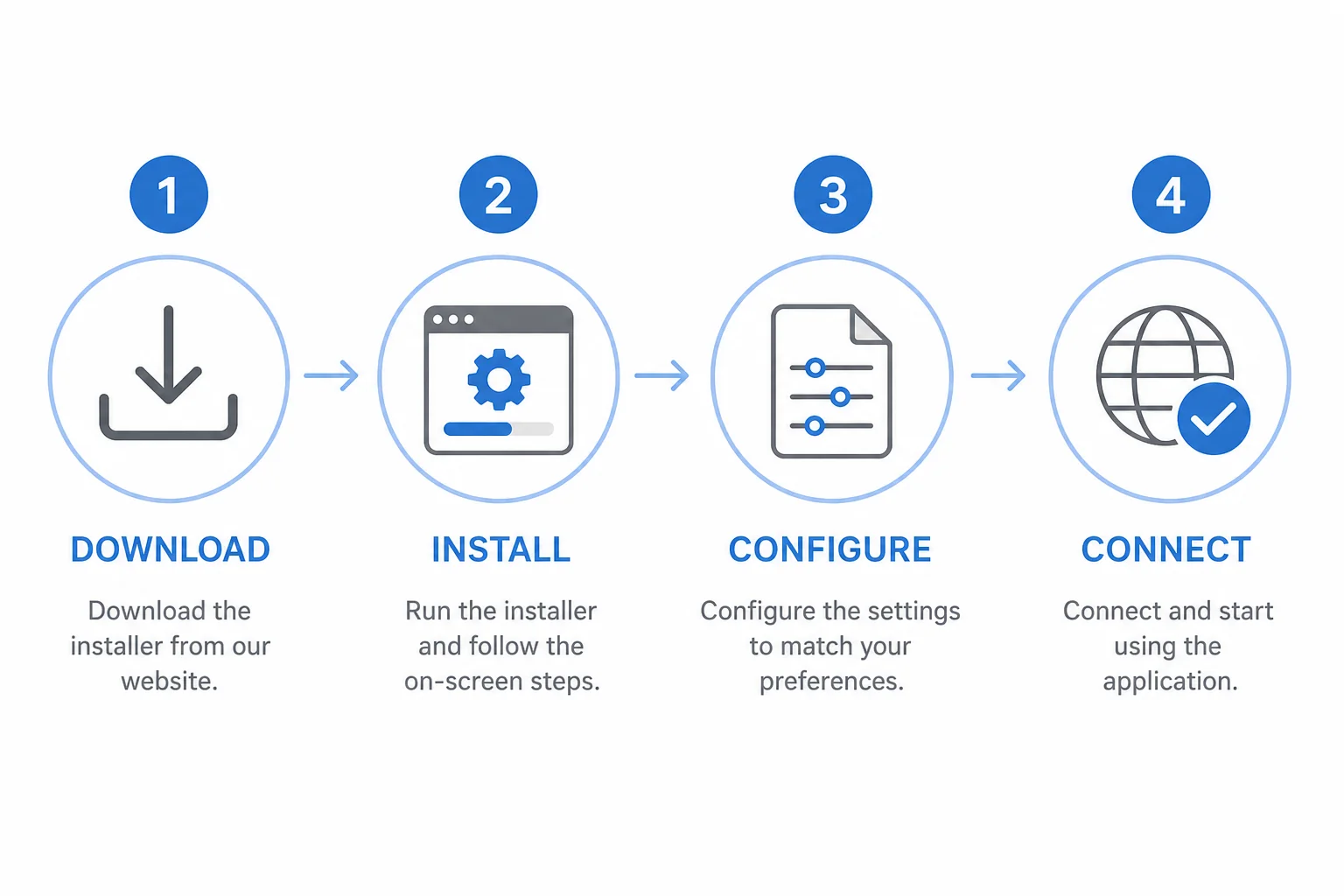
Here's the complete setup process as covered in the video walkthrough. If you're new to anti-detect browsers entirely, our multi-login browser setup guide covers the foundational concepts — how profiles work, how proxies connect, and how to run multiple app sessions simultaneously — which applies across all anti-detect tools including Octo.
Step 1 — Create an Account
Go to octobrowser.net and click Sign Up. Enter your email address, set a password, and optionally add your Telegram username (used for support). Click Create Account. No credit card is required at this stage.
Step 2 — Download and Install
After signing up, you'll be prompted to download the browser. Octo is available for Windows, macOS, and Linux. The Windows installer is around 46MB. Once downloaded, open it, choose your install folder, and click Install. The browser installs in about 90 seconds.
Step 3 — Log In and Download Components
Open Octo Browser and log in with your account credentials. On first launch, Octo will download some required components. Let those complete, then restart the browser once. This is a one-time step.
Step 4 — Create Your First Profile
Click Create Profile. Give the profile a name (e.g., "TikTok Automation 1"), add an optional description, and then configure:
- Proxy — connect your SOCKS5 or HTTP proxy, or purchase one from Octo's built-in proxy marketplace
- Fingerprint — click the fingerprint scanner icon to auto-generate a unique fingerprint. You can manually adjust OS, screen resolution, device model, and other parameters if needed
- Extensions — optionally add Chrome extensions via the store or by uploading a .crx file
- Bookmarks and cookies — import if needed for warm-up or account restoration
Step 5 — Verify the Proxy and Launch
Inside the proxy settings, click Check Proxy to confirm your IP, country, city, and timezone are correctly matching. Once verified, click Run Profile. A Chromium browser window opens, isolated from all your other profiles, with its own unique fingerprint and IP identity.
Proxy Integration: Making Your IP Invisible
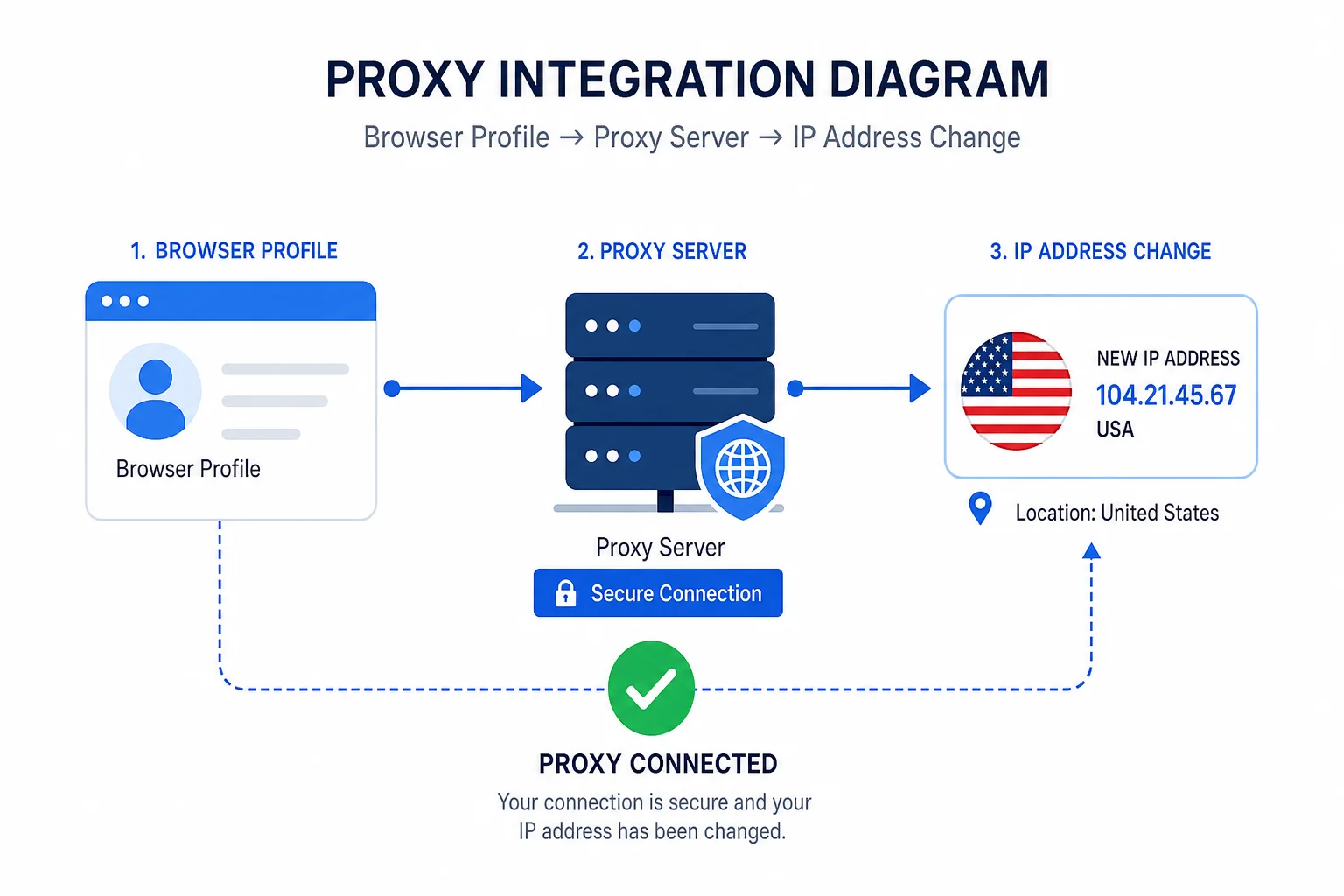
The proxy setup is where Octo Browser becomes genuinely effective for multi-account work. Here's how to think about it:
Your Octo profile handles the fingerprint — every device and browser identifier that makes a profile look like a specific machine. The proxy handles the network identity — your IP address, geographic location, and timezone as seen by the platform.
Both need to match internally. A profile with a US-timezone fingerprint connected to a Pakistani IP will raise flags immediately — the inconsistency is the tell. Octo's proxy checker confirms these match before you start any session, which prevents that mistake.
For proxy sourcing, you have three options:
- Octo's built-in proxy store — purchase residential or datacenter proxies directly inside the browser. Convenient but has a per-GB cost.
- Third-party proxy providers — Octo integrates with Have Proxy Net, Lab proxies, and AW Proxy directly from the profile creation screen. Any SOCKS5 or HTTP proxy from any provider also works.
- Your own proxies — paste the IP:port:user:pass format directly into the proxy field. This works if you're already running your own proxy infrastructure.
Once a US proxy is connected and verified, the browser shows a California IP — meaning any activity inside that profile looks like it's coming from California, not Pakistan or India or wherever you're actually located. That's the core of how TikTok automation, YouTube account management, and AdSense multi-account work actually functions at scale.
Octo Browser Pricing: What You'll Pay
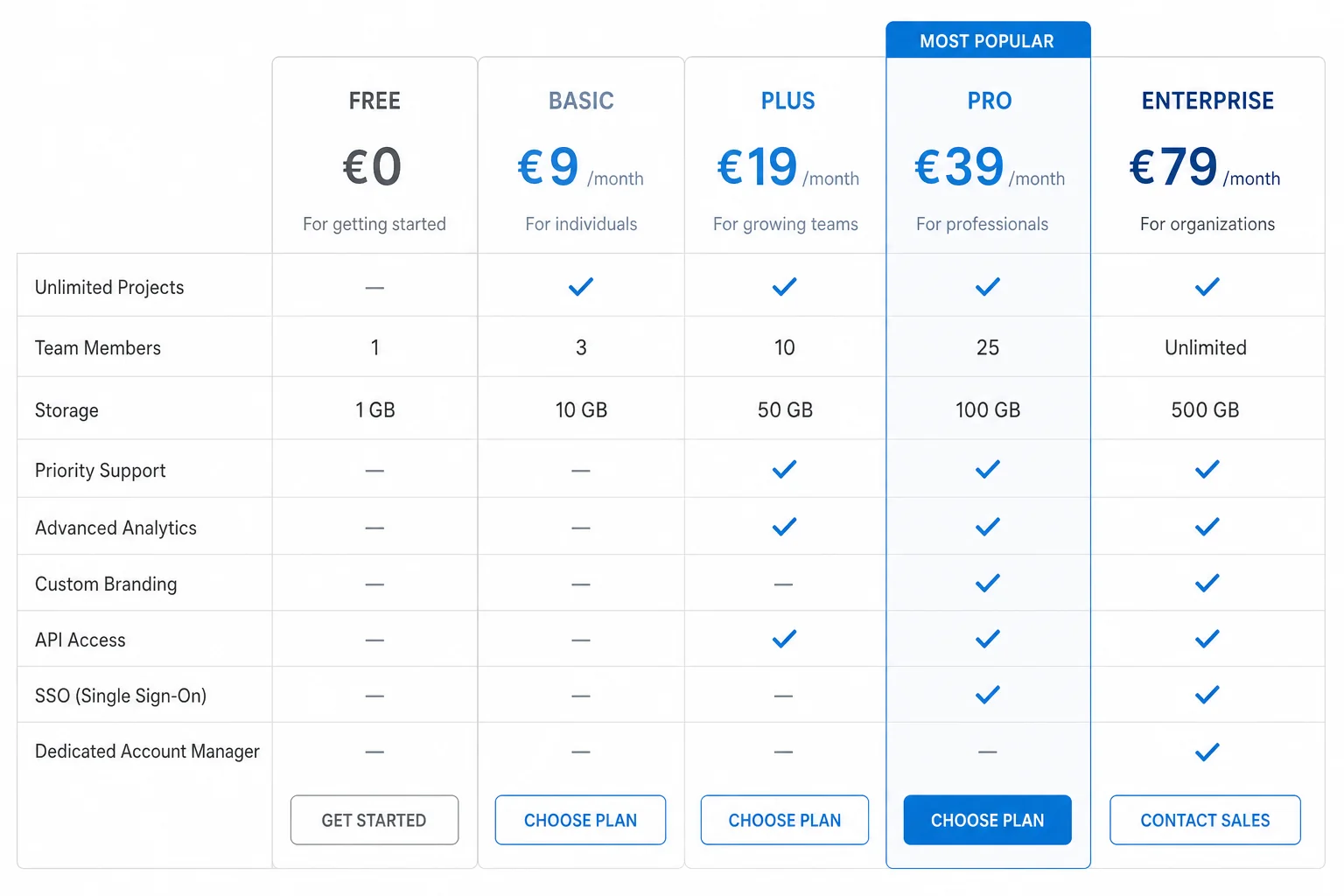
Octo Browser pricing is in euros and structured around the number of profiles and team members you need:
- Lite — €10/month — entry-level plan, limited profiles, good for testing the platform before committing
- Starter — €29/month (or €21/month on annual billing) — most common plan for solo operators
- Base — €79/month (or €56/month annually) — more profiles, more team members, API access
- Team and Advanced plans — higher tiers for agencies and larger operations
- Custom plans — unlimited profiles and team members, contact Octo support directly via Telegram
Key things to know about pricing:
- Octo does not offer a standard free plan — you need to pay to use the desktop version
- There is no official free trial — the Lite plan at €10/month is the lowest-friction way to test before committing
- Annual billing gives you a 30% discount automatically — no coupon required, it's built into the billing
- Promo codes can unlock a 3-day trial period plus 30% off
- Crypto payments accepted — Bitcoin, Ethereum, USDT, TON, and others
- On iPhone and iPad, 100 profiles are free with a standard account — no subscription needed for iOS
Compared to other tools in the space, Octo sits in the mid-to-premium range. If you want to see exactly how it stacks up against the competition on price and features, our full anti-detect browser comparison covers all the major options side by side.
Who Should Use Octo Browser?
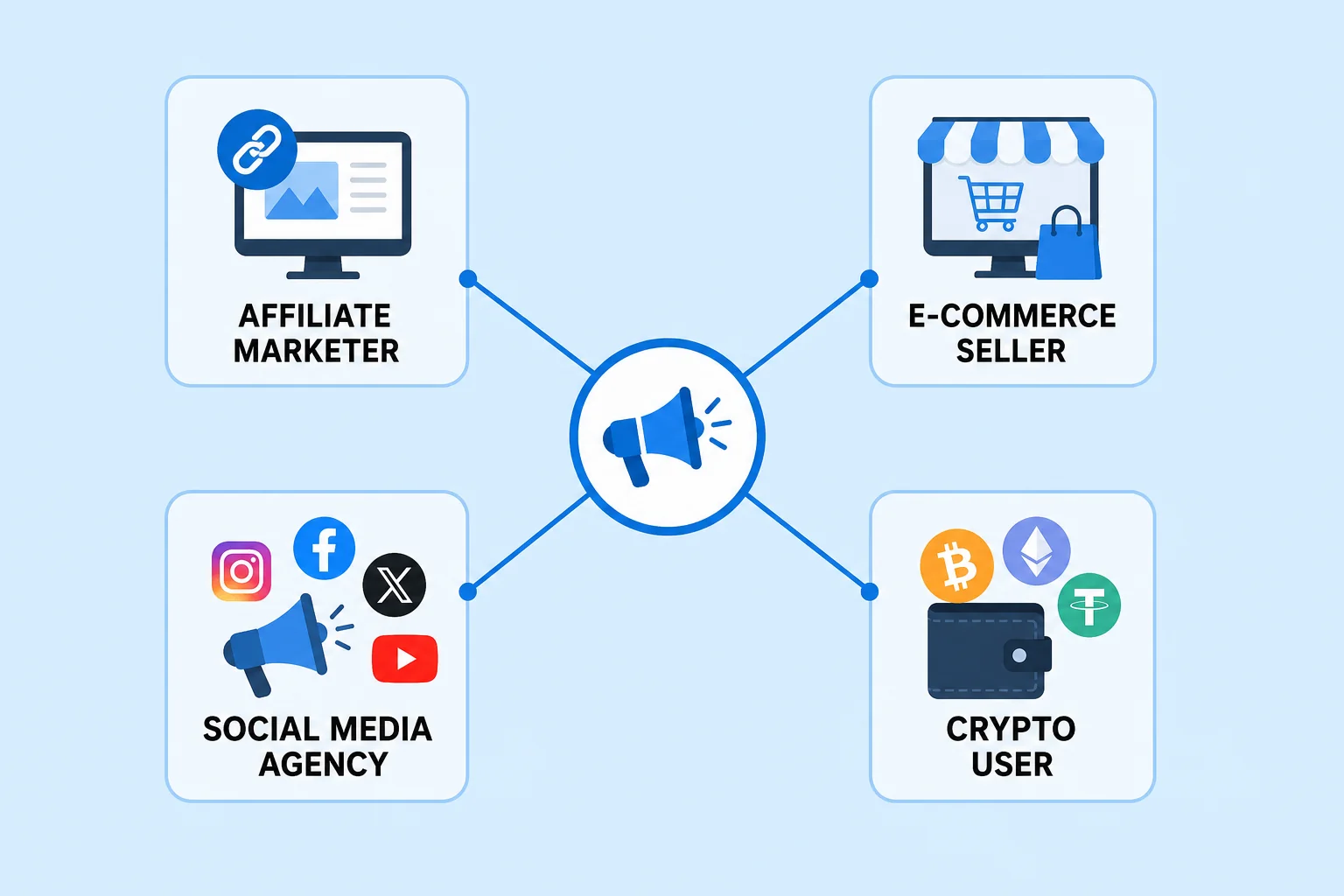
Octo Browser is built for professionals, not casual users. Here's who gets genuine value from it:
Affiliate Marketers
Running multiple ad accounts on Facebook, TikTok, or Google without getting banned requires proper profile isolation. Octo is widely used in affiliate circles precisely because the fingerprint quality is strong enough to pass the anti-fraud systems these platforms run. If affiliate marketing is your business model, also check out our roundup of high-ticket affiliate programs that actually pay — Octo is the kind of tool that makes running multiple campaigns across those programs sustainable.
TikTok and YouTube Automation Operators
As shown in the video, Octo is directly used for TikTok automation and YouTube account management at scale. Creating and managing US-located TikTok accounts from outside the US, uploading content across multiple channels without linking them — this is the use case Octo handles cleanly, especially when paired with a residential proxy from the right country.
AdSense and Monetization Managers
Running AdSense across multiple sites with separate identities requires clean separation at both the IP and browser fingerprint level. Octo is one of the few tools where the fingerprinting is strong enough to maintain that separation reliably over time.
E-commerce Sellers
Managing multiple storefronts on Amazon, eBay, Etsy, or Shopify — where platform rules restrict sellers to one account — requires isolated profiles. Octo handles this with enough reliability that e-commerce teams use it for exactly this purpose. The team collaboration features make it workable across a multi-person operation.
Agency Owners and Freelancers
Agencies managing dozens of client social media accounts need clean profile isolation to prevent accidental cross-linking. Octo's tag system, team roles, and profile sharing make it suitable for that workflow. If you're looking for other ways to build or expand an agency-style AI business, our guide to AI businesses you can start this week covers service models that pair well with multi-account tools like this.
Crypto and Airdrop Participants
Token airdrops and DeFi protocols often restrict participation to one wallet per identity. Clean browser profiles with separate fingerprints and IPs let users participate across multiple wallet identities without cross-contamination.
Who should NOT use Octo Browser: If you're managing 2-3 social accounts casually and don't need fingerprint isolation, a VPN and separate browsers are probably enough. Octo is a professional tool with professional pricing. If terms like SOCKS5 proxy, browser fingerprint, or profile isolation are completely new to you, start with the iOS free version to understand the workflow before committing to a desktop subscription.
Quick Recap: Octo Browser at a Glance
| Detail | Info |
|---|---|
| Type | Chromium-based anti-detect browser |
| Launched | 2021 |
| Fingerprint spoofing level | Chromium kernel level (not JS) |
| Fingerprint parameters | 50+ |
| Platforms | Windows, macOS, Linux, iOS (free) |
| iOS/iPad | 100 profiles free on sign-up |
| Free plan (desktop) | None |
| Free trial | No official trial (promo codes available) |
| Starting price | €10/month (Lite plan) |
| Annual discount | 30% off, built into billing |
| Crypto payments | Yes (BTC, ETH, USDT, TON) |
| Team features | Yes — roles, sharing, tagging |
| API | Yes (Base plan and above) |
| Best for | Affiliate marketers, agencies, TikTok/YouTube automation, e-commerce, crypto |
Frequently Asked Questions
Is Octo Browser free?
On iPhone and iPad, yes — you get 100 browser profiles for free just by creating an account. On desktop (Windows, macOS, Linux), there's no free plan. The Lite plan at €10/month is the lowest entry point for desktop use. Some promo codes provide a 3-day trial period.
Is Octo Browser legal?
Octo Browser is a legitimate software tool used for privacy, multi-account management, and testing environments. The legality of what you do inside it depends on how you use it and the terms of service of the platforms you're working on. The browser itself is legal; using it to violate platform policies is a user responsibility.
Does Octo Browser work on mobile?
Yes, on iOS (iPhone and iPad) with 100 free profiles. There is currently no Android version. For Android-specific fingerprint emulation, you'd need a different tool.
What proxy type does Octo Browser support?
Octo supports SOCKS5, HTTP, and HTTPS proxies from any provider. It also has a built-in proxy marketplace and direct integrations with Have Proxy Net, Lab Proxy, and AW Proxy. Residential proxies from reputable providers give the cleanest results — low-quality datacenter proxies from flagged ranges won't protect you regardless of the browser.
How many accounts can I manage with Octo Browser?
This depends on your plan. The entry plans allow a limited number of active profiles; higher tiers scale up. The custom/enterprise plan offers unlimited profiles. You can also add extra profiles as paid add-ons without upgrading your full plan.
How does Octo Browser compare to other anti-detect browsers?
Octo's main advantages are its kernel-level fingerprinting and clean UI. Alternatives like Multilogin, AdsPower, GoLogin, and Hidemyacc each have different strengths in pricing, free tiers, and team features. We cover all of them in our full anti-detect browser roundup if you want to compare before deciding.
Conclusion
Octo Browser is one of the most technically solid anti-detect browsers available in 2026. The kernel-level fingerprint spoofing gives it a genuine technical edge, the profile management system is clean and fast, and the iOS free tier is a useful way to evaluate the workflow before paying for desktop access.
The two main limitations are that there's no free trial for desktop and the pricing climbs quickly at scale. If you're starting out, test the iOS version first or try the Lite plan before committing to anything higher.
If you want to compare Octo against alternatives before making a decision, our best anti-detect browsers for 2026 guide covers all the major tools in detail — pricing, fingerprinting quality, team features, and which use case each one fits best.
Any questions on the setup or which plan makes sense for your use case? Drop them in the comments.