Kimi K2.6 Review: Agent Swarm, 300 AI Agents, and What Changed from K2.5
One prompt, 300 AI agents deployed, and a deliverable that would have taken weeks done in minutes. Here's everything you need to know about Kimi K2.6 and Agent Swarm.

One prompt, 300 AI agents deployed, and a deliverable that would have taken weeks done in just a few minutes.
Kimi just launched K2.6, and the standout feature of this launch is Agent Swarm. They already had Kimi Claw, and now with Agent Swarm, you can deploy up to 300 AI agents from a single prompt. What makes this special beyond most other tools is that you don't need to be a senior developer or an IT professional to use it. Anyone can access this today.
In this post, we're covering everything in the 2.6 update: Agent Swarm, what changed from K2.5, the real outputs, and how to get access.
What Is Kimi?
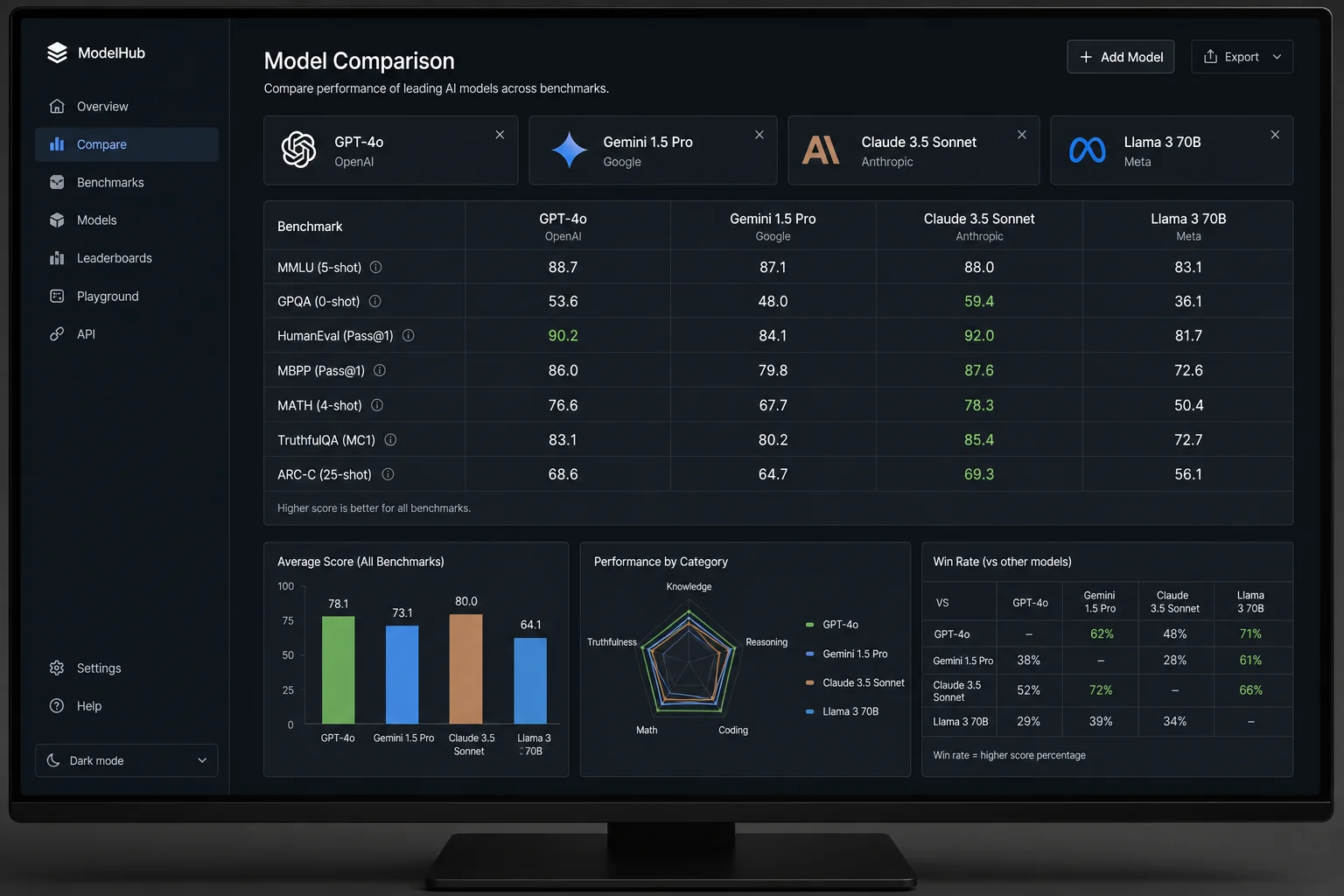
If you've never heard of it before, Kimi is the flagship AI assistant from Moonshot AI, a Beijing-based research lab. They just released K2.6, a 1 trillion parameter — yes, that's a T for trillion — open-source model that is benchmarking at the top of real-world agentic coding tasks.
That's a lot of words to say it is one of the best models out there, and it's also one of the most cost-effective. On the gold standard for AI performance, SWE-Bench, this model is state-of-the-art. On other tests, the AI was able to complete real tasks, not just answer questions. That puts it right alongside GPT-5 and Claude Opus 4.6.
The craziest part? This model was built for less than $5 million. That is honestly insane compared to what other frontier labs are spending.
K2.6 ships with four major capabilities. We're going to run through all of them, and then go deep on the most exciting one: Agent Swarm.
Kimi Code
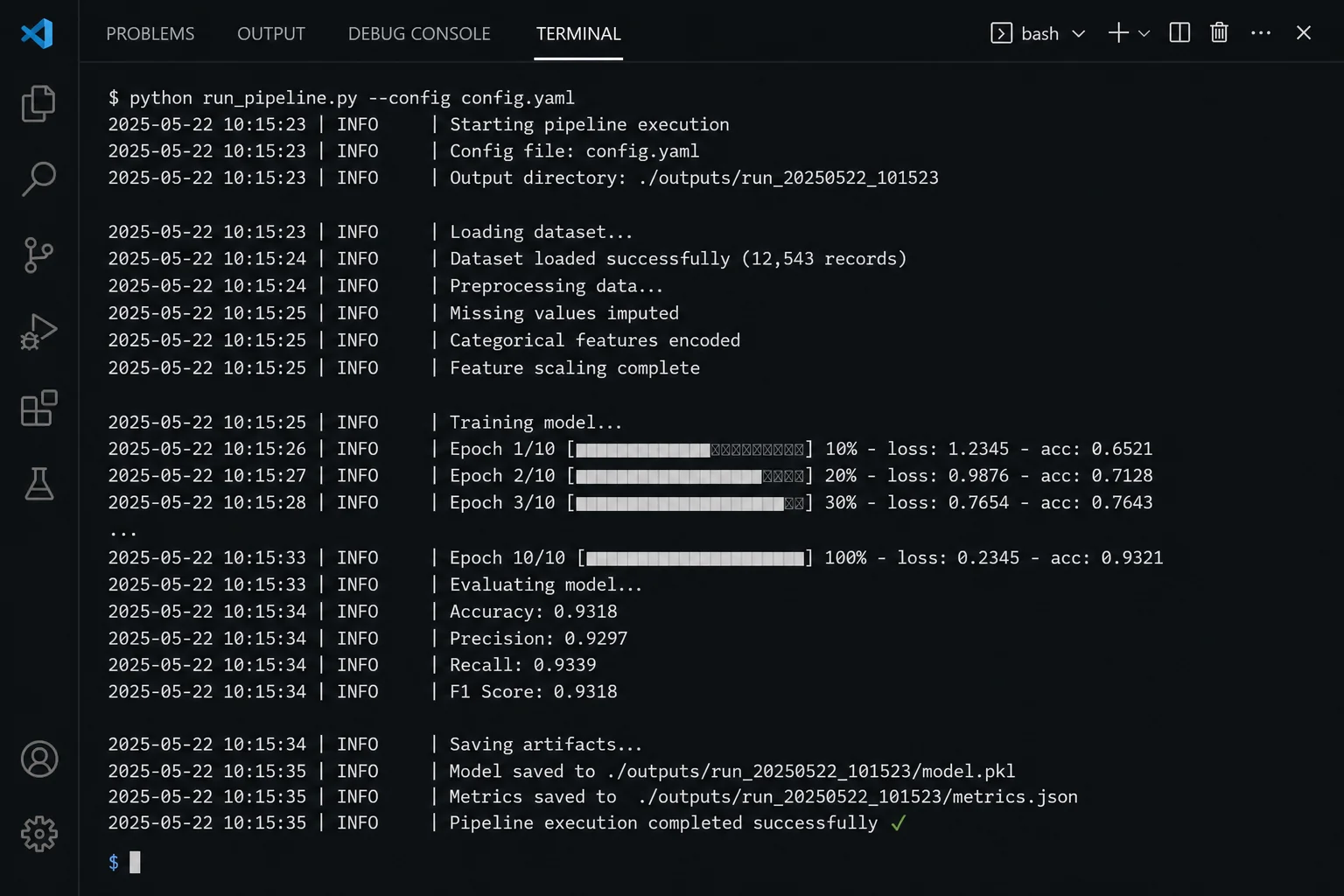
The first new addition is Kimi Code. This is Kimi's answer to Claude Code, and this tool runs directly in your terminal. If you're a developer or you run a technical team, this is the one you're going to care about the most.
In a documented test, K2.6 ran for 13 continuous hours, executing over a thousand total calls, making over 4,000 code modifications, and extracted a 185% throughput improvement from an already optimized financial system. It can handle Rust, Go, Python, front-end, and DevOps — not just the easy stuff.
Compared to the previous version, K2.6 can get the same results with 35% fewer steps. That's a meaningful efficiency gain for anyone running it on complex codebases.
Vibe Coding and Website Building
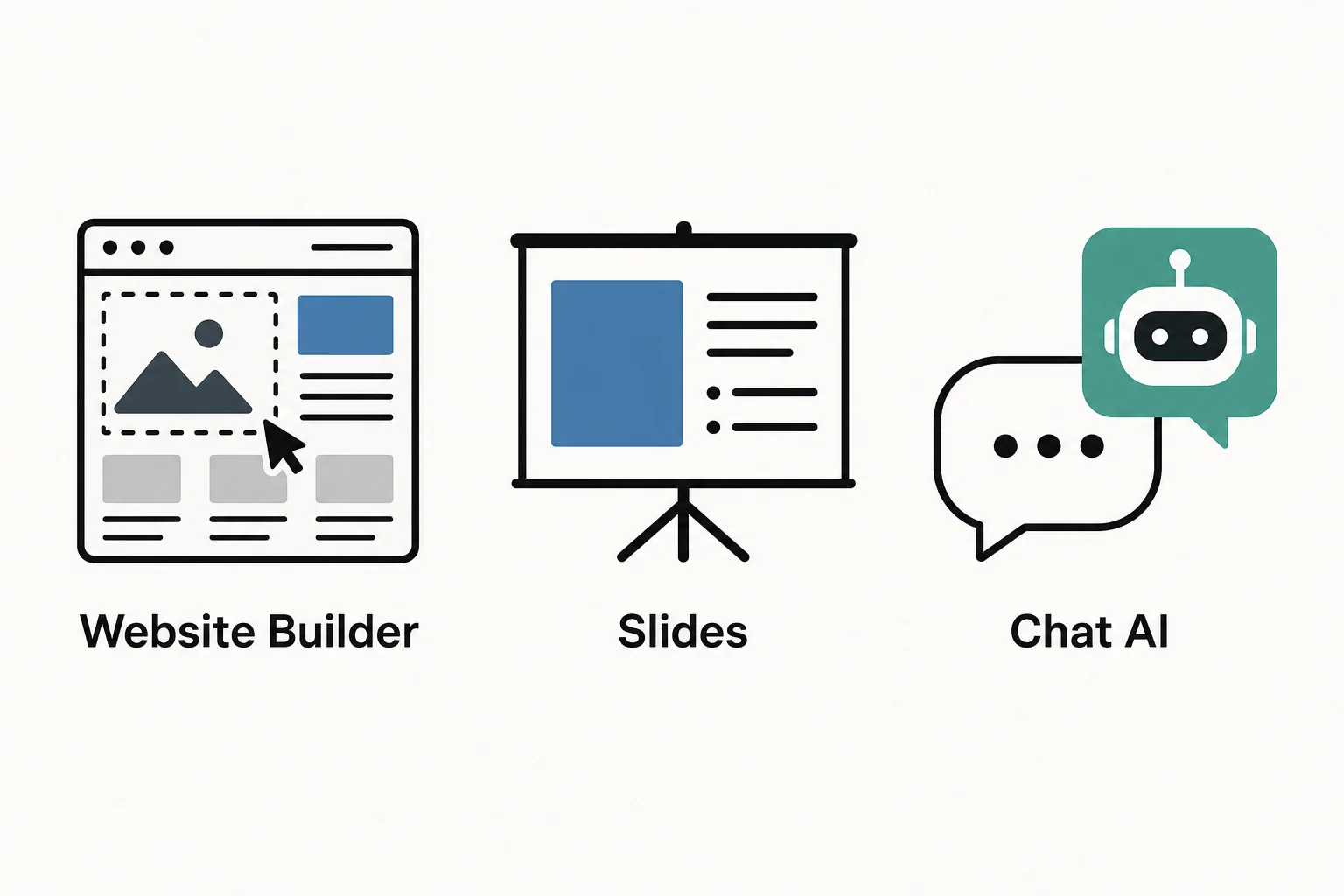
The second new feature is the website builder. All you do is describe what you want — a landing page, product page, a portfolio — and Kimi builds it. You can also start with one of the pre-built templates, and it will generate real designs with scroll animations and full stack authentication with a built-in database.
It pulls images in, and will do video generation automatically to build the visual assets you need. Before you spend thousands of dollars on website design, you may want to try this first. And that's coming from someone who spent a decade as a website designer.
If you're curious how tools like this compare with what's already out there for building AI-powered sites and systems, check out this post on how to sell AI websites to local businesses for some practical context.
Agentic Slides
Third is Agentic Slides. One prompt and you get a complete slide deck. Select adaptive mode, describe what you need, and it builds it. Think of it like Gamma, but running on a different model. It's quick, clean, and gets it done for you.
What's interesting here is that you can also run multiple agents simultaneously. You could have Kimi Code, Agent Swarm, and Agentic Slides all running in parallel if you want. That's the beauty of the architecture that K2.6 is built on.
Agent Swarm: The Main Event
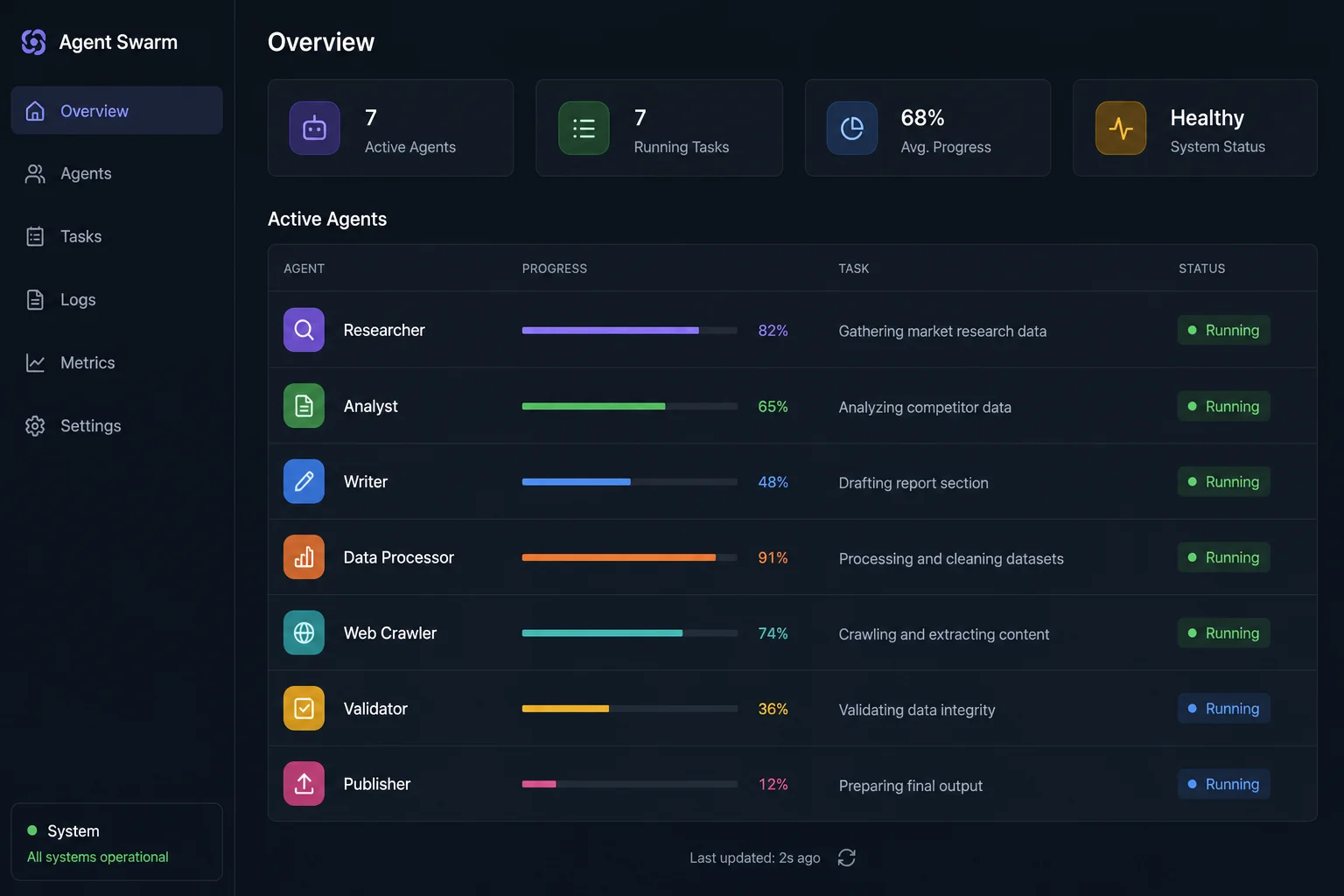
With Agent Swarm, you can deploy up to 300 sub-agents simultaneously, coordinated across up to 4,000 steps, all from a single prompt.
That means you don't need to assign roles, you don't build the workflows. You just type what you need, and the model reads it, figures out what needs to happen to go from A to Z, and builds the team and runs it completely autonomously.
If you're in the AI world, you're probably hearing stuff like this pretty regularly. But let's pause for a moment. This is like hiring 300 people for a research team who work in perfect parallel with no HR team, and they are all immediately available to get started right now.
In the interface, Agent Swarm lives in the left-hand menu. From the main screen, you can select it and then choose between large-scale search, long-form writing, or batching tasks. That's how you direct the swarm toward what you want done.
If you want to understand how agent-based systems like this are changing what's possible for businesses, this post on 8 AI agents that can replace your entire agency staff gives you the bigger picture.
Real Use Cases: What Agent Swarm Actually Did
Job Search Research
The first thing tested was a job search. The specs were given in two to three sentences: background, target pay, remote preference. Twenty to twenty-three minutes later, the output was ready.
In that run, it deployed 12 parallel research agents and executed 240+ independent searches. It created files, executed terminal commands, did searches, and deployed sub-agents in phases. The output was a document with the best jobs and opportunities for exactly what was specified. The research was credible, accurate, and helpful. The next logical step would be to ask it to write a cover letter for every one of the roles you actually want to apply to. But from one prompt, everything was there.
Brand Sponsorship Research
The second test was bigger: research brands to potentially work with and come back with a list of 300. This time, the approach was to go into the normal chat experience first and describe a very specific output format that would include all the details needed to reach out, including company name, website, affiliate program link, commission structure, cookie duration, and a confidence score.
That detailed prompt was itself generated by Kimi. The schema-style output format was requested through a separate chat, and Kimi wrote the full research prompt. Then that prompt was handed to Agent Swarm to execute.
In the process, it created a swarm architecture reusable for 200 companies and showed the full breakdown of the plan before executing. The first five results were reviewed for accuracy — priority score, fit score, estimated deal size, affiliate details, and more — and everything was on track. With the go-ahead given, it deployed the full swarm for the remaining 295 companies.
The final deliverable: 300 companies, with URLs, affiliate program details, and sponsorship potential assessed, plus a curated list of the top 50 opportunities for the channel. All of this from two prompts.
This is the kind of research workflow that previously required entire AI lead generation systems to pull off at scale. Kimi is starting to compress that into a single session.
What Else Can Agent Swarm Do?
The use cases beyond what was shown are just as impressive:
- Upload 40 PDFs or documents and get them processed simultaneously into a 200-page research report.
- Upload a resume and have it find 100 matching roles, write 100 customized applications, and deliver them in one run.
- Find 30 local businesses with no websites, generate 30 high-converting landing pages, all in a single session.
- Produce PDFs, spreadsheets, slides, decks, and websites simultaneously.
Think of it this way: you could have a research team, a content team, and a development team all compressed into one prompt.
If you're buying a house, you could do a full market analysis — comps, appraisals, neighborhood values, school district — before signing anything. Making a big business decision? You can run the full research before the meeting.
This is the biggest opportunity for the average consumer right now. You don't need to be an enterprise-level customer. You don't need to be a developer. And you can get started today.
For more ideas on what becomes possible when AI handles the research and execution side of your business, see this post on AI businesses you can start this week.
Kimi Pricing
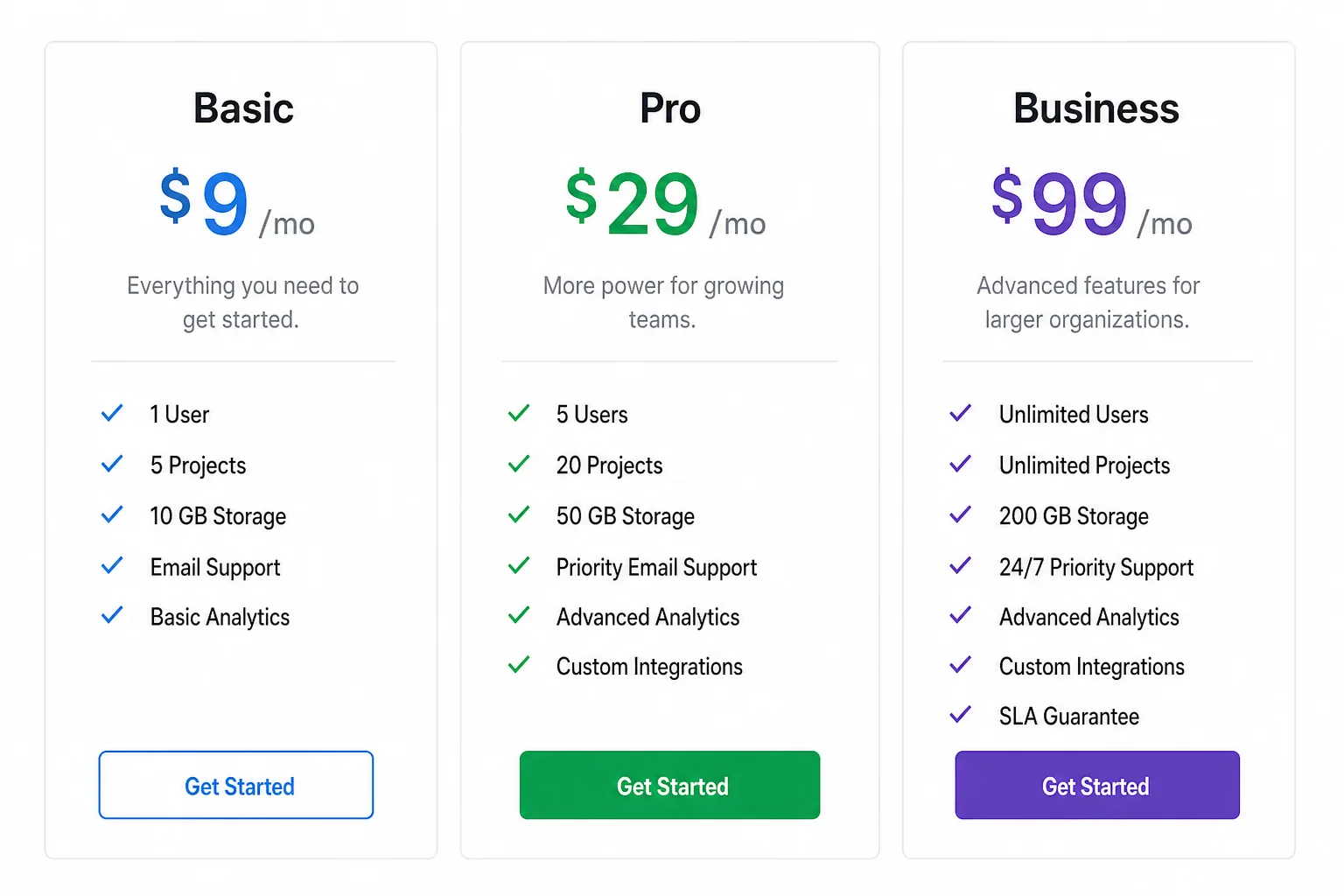
Kimi is free to try at kimi.com. No credit card required, and there's no commitment. You can access the chat, the website builder, and the research tools to get a real sense of what the model can do before spending a dollar.
For the full capability set, including Agent Swarm, you'll need to upgrade to at least the Pro Plan:
- Pro Plan: $31/month (annual) or $39/month (monthly)
- Premium / Allegro Plan: $79/month
Agent Swarm is available at kimi.com/agentswarm and is part of the Pro Plan and above.
Who Is Kimi K2.6 For?
If you're running a business and currently paying for multiple separate AI tools — something for chat, something for coding, something for slides, something for the web — Kimi is going to help you consolidate a lot of that into one tool.
What's compelling about this model and the setup is that it makes a lot of really powerful tools accessible to anyone. Whether you want to set up Kimi Code, use Kimi Claw, build out Agentic Slides, or deploy Agent Swarm, the starting point is accessible regardless of your technical background.
And if you're using their API on local machines, this is a very capable model that competes with the best closed-source systems on the market today.
In terms of the overall direction of AI tools for business, Kimi K2.6 fits into a clear trend: the best AI stacks are the ones that automate end-to-end workflows rather than just answering questions. Agent Swarm is a serious step in that direction. And for anyone building or growing a business, that's worth paying attention to.