How to Build a Lead Generation System with GHL AI Studio (Step-by-Step)
Build a complete lead generation system for any local business using GHL Ask AI, AI Studio, and Workflows — no code, no marketing experience needed.

Local businesses are losing money every single day — and most of them have no idea it's happening. Someone lands on their website, fills out a form, and then nothing. No instant SMS. No follow-up email. No call from the business. The lead just sits in a spreadsheet and goes cold.
That gap — between the form submission and the first response — is exactly what you get paid to close. And with GoHighLevel AI Studio, Ask AI, and Workflows, you can build the entire system in one afternoon without touching a line of code.
This is a complete walkthrough of how to build a lead generation system for a local business from scratch: a high-converting landing page, a CRM-connected form, automated SMS and email confirmations, follow-up sequences, and internal notifications for the client. Everything a local business needs. Everything you can package and sell monthly.
Why Local Businesses Are Losing Leads Every Day
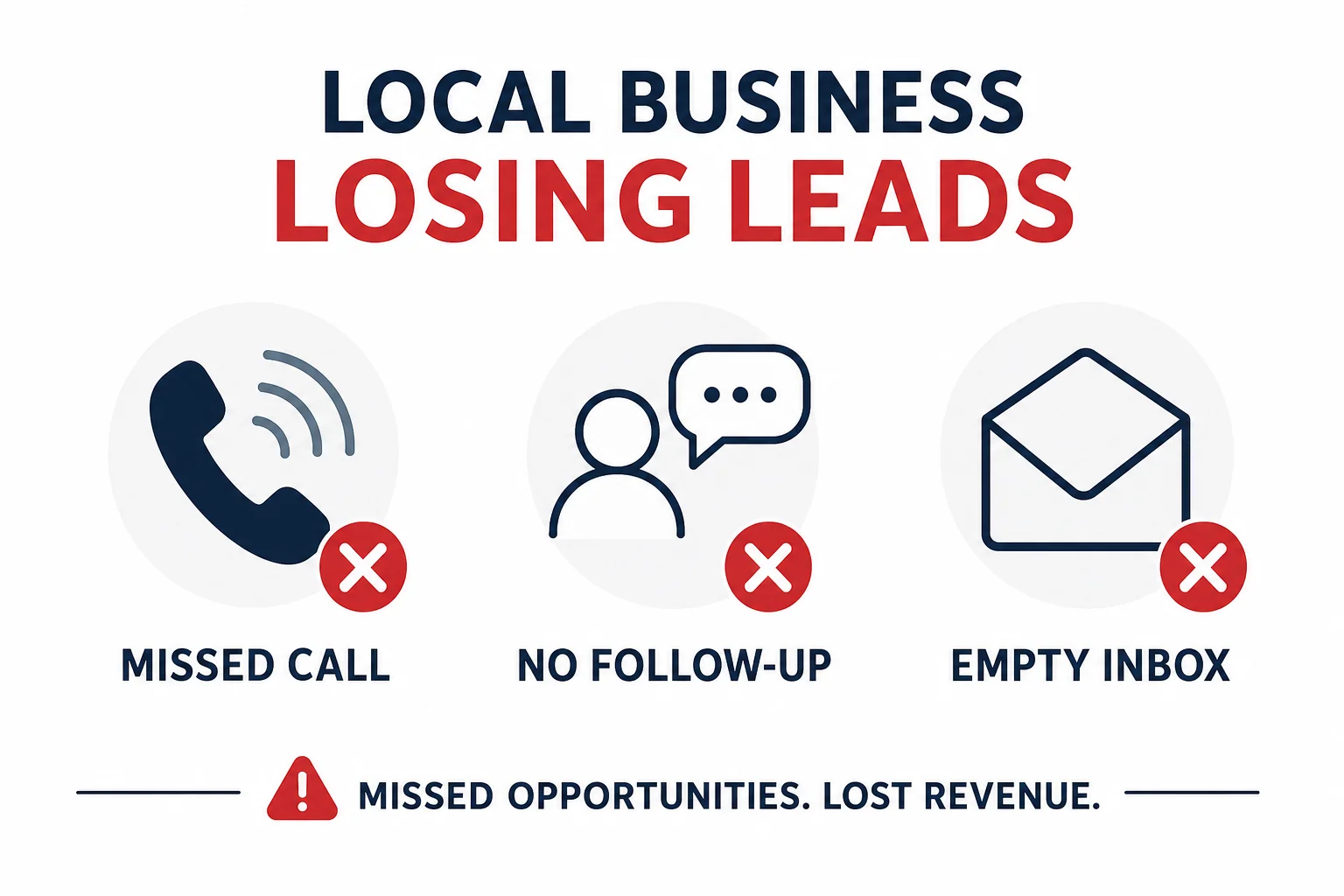
Think about how a local landscaping, dental, or HVAC business typically handles leads. Someone finds them on Google, lands on their website — if they even have one worth landing on — fills out a contact form, and waits. The business owner is out doing the actual job. Their phone's on silent. Nobody's watching the inbox.
By the time someone checks the form submission, it could be 6, 12, even 24 hours later. At that point, the lead has already called someone else.
This is not a marketing problem. It's a response-speed problem. And it's the same problem across virtually every local service business — HVAC, landscaping, auto, dental, legal, fitness. The niche doesn't matter. The gap does.
As an agency owner, you don't need to run ads or write copy for them. You need to build the system that captures the lead and follows up instantly. That's what GoHighLevel is built for — and AI Studio makes it faster than ever to set up for any client in any niche.
What You're Building — and What You Can Sell
Before diving into the steps, here's the full picture of what this system does:
- A conversion-focused landing page built in GHL AI Studio with a lead capture form (no menu, no distractions, one action)
- The form is connected to your GHL CRM so every submission creates a contact automatically
- An automated workflow that sends an instant SMS and email confirmation to the person who submitted the form
- A follow-up sequence that sends a second message if they don't reply within a set time window
- An internal notification so the business owner gets an SMS and email with the lead's full details the moment a form is submitted
This is a complete, sellable product. You can replicate this for any local service business and charge a setup fee plus a monthly retainer to host, manage, and update the system. If you're already exploring AI service businesses you can start, this is one of the most practical and repeatable ones out there.
If you don't have GoHighLevel yet, grab your 30-day free trial here — everything in this walkthrough is built inside the platform.
Step 1: Use Ask AI to Write Your AI Studio Prompt
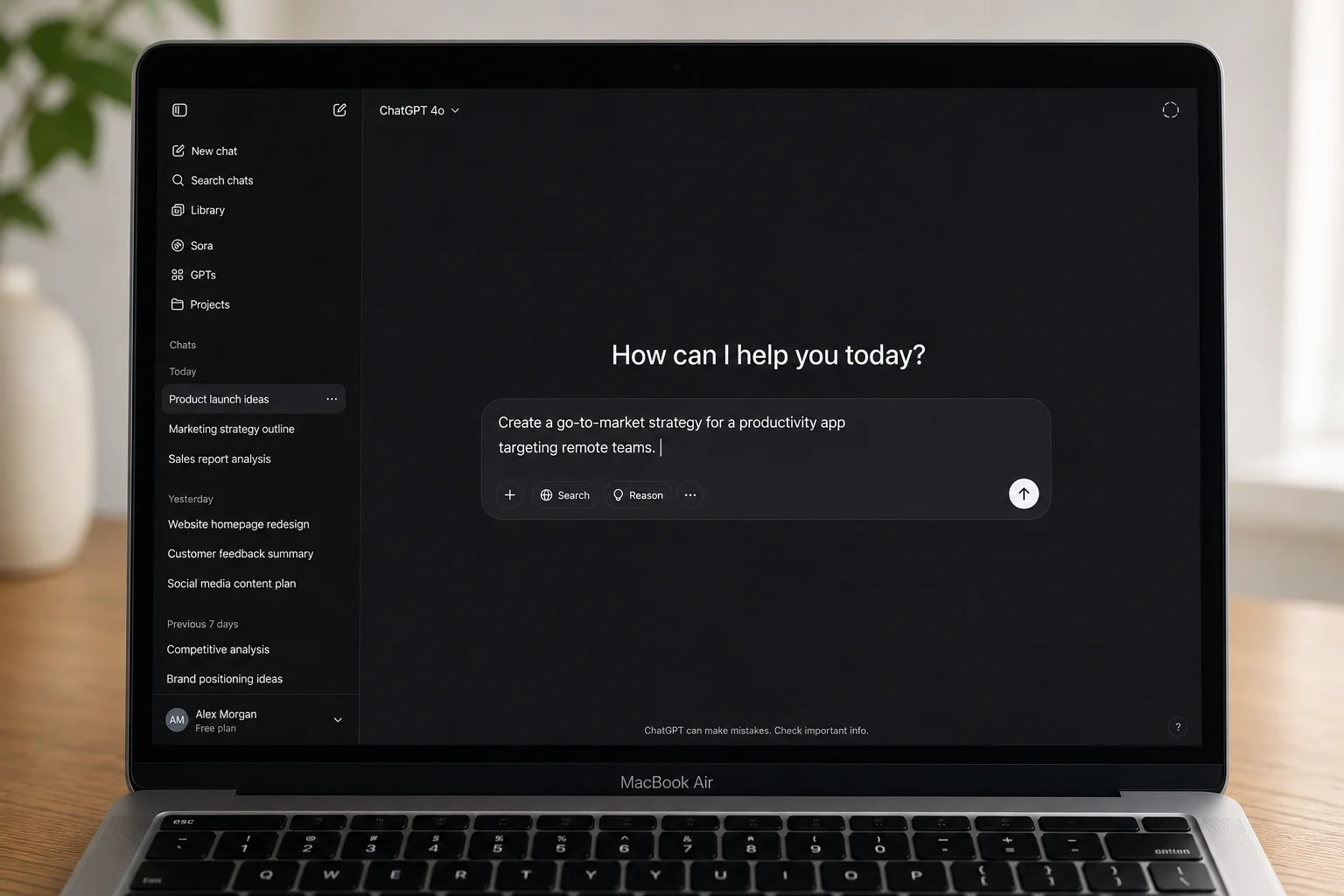
Most people go straight to AI Studio and type something generic. That's where they lose. The quality of your landing page output is directly tied to the quality of your prompt — and Ask AI (found in the top-left of any sub-account) is built specifically to help you write better prompts.
How to Use Ask AI for This
Open Ask AI and describe your situation in plain language. You don't need to know the industry at all. Something like:
We just signed a landscaping client in Toronto. I don't know anything about the landscaping industry but I want to build a high-converting landing page for them in GoHighLevel using AI Studio. Can you put together the full prompt I should use in AI Studio including the offer, the page sections I need, and all the copy so I can copy and paste it directly into AI Studio and get a high-converting landing page?
Ask AI will generate a detailed, structured prompt with an offer, page sections, headlines, social proof elements, and a call-to-action. Then go one step further: find the client's actual website URL, paste it into Ask AI, and tell it to personalize the prompt with the real business details — their name, phone number, logo, and services.
Ask AI will pull the real information and weave it into the prompt. Takes 2-3 minutes, but the output you feed AI Studio will be significantly better than anything generic. That's the entire point: you don't need to know the landscaping industry (or the dental industry, or HVAC) to produce something that looks like you do.
Step 2: Build the Landing Page in GHL AI Studio
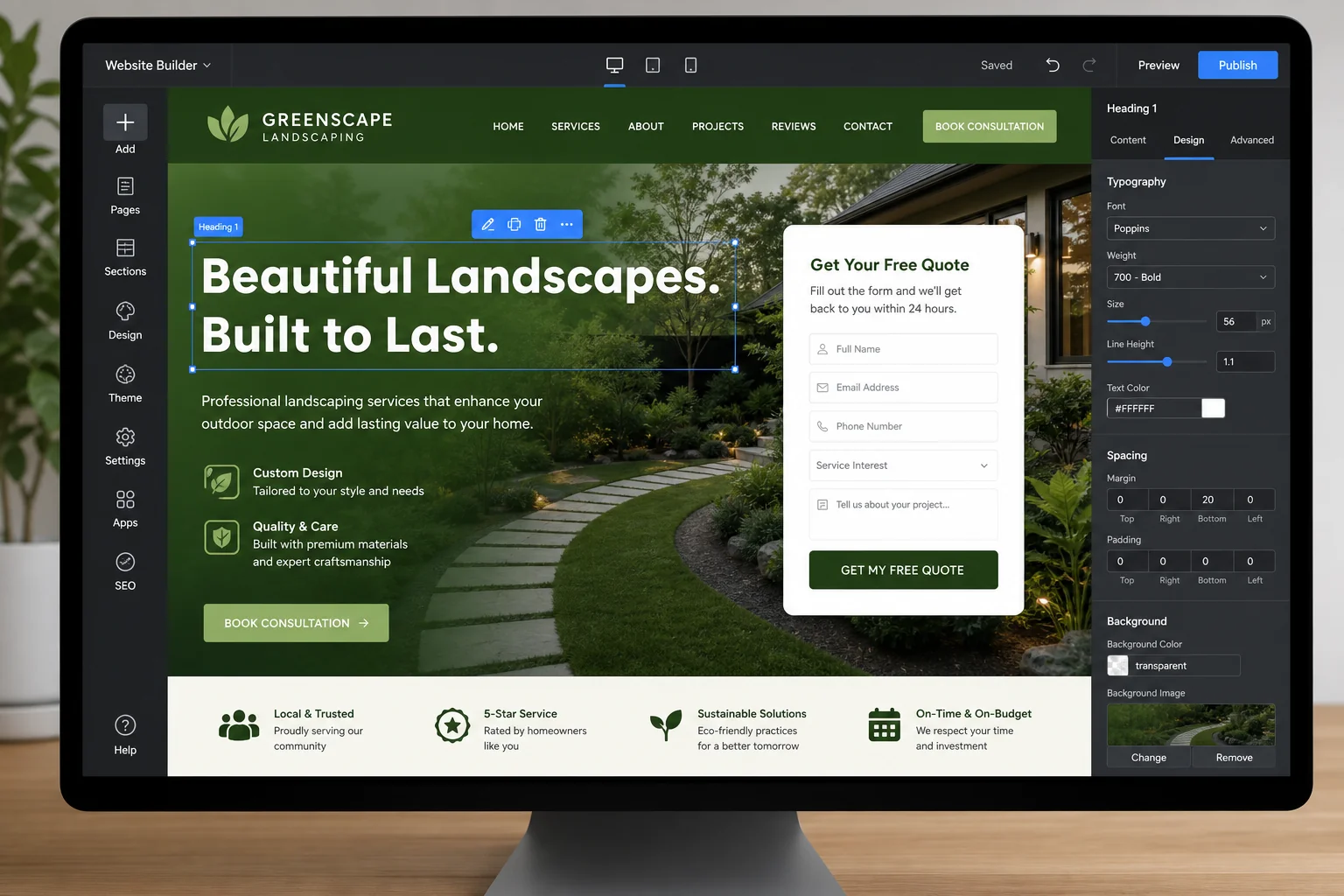
Go to AI Studio in the left sidebar of your sub-account. Paste your full Ask AI prompt and hit enter. Depending on server load — because this tool is free and a lot of people are using it — it can take anywhere from 3 to 8 minutes to generate. That's fine. You don't have to do anything.
What a Good AI Studio Output Includes
A well-prompted AI Studio build for a local service business will give you:
- A hero section with the offer and a clear headline
- A lead capture form (name, email, phone, address, project details)
- A "how it works" section with 3 steps
- Social proof — reviews, testimonials, trust signals
- A value-stacking section (what's included, what it's worth)
- A FAQ section
- A second lead capture form at the bottom of the page
No menu bar. No separate pages. Just one page, one action. That's the right structure for a lead generation page — you want visitors to fill out the form, not wander off to an "About Us" page.
Making Visual Edits
GHL now supports visual edits — click any element directly in the preview, change the text, swap colors, update the accent color across the whole page in one click. You don't need to prompt for every small change anymore. For bigger changes (like adding a logo from the client's website), type it into AI Studio: "Add the logo from [URL] to the top section." It handles it in one more round of generation.
Step 3: Connect the CRM and Build the Automation Workflow
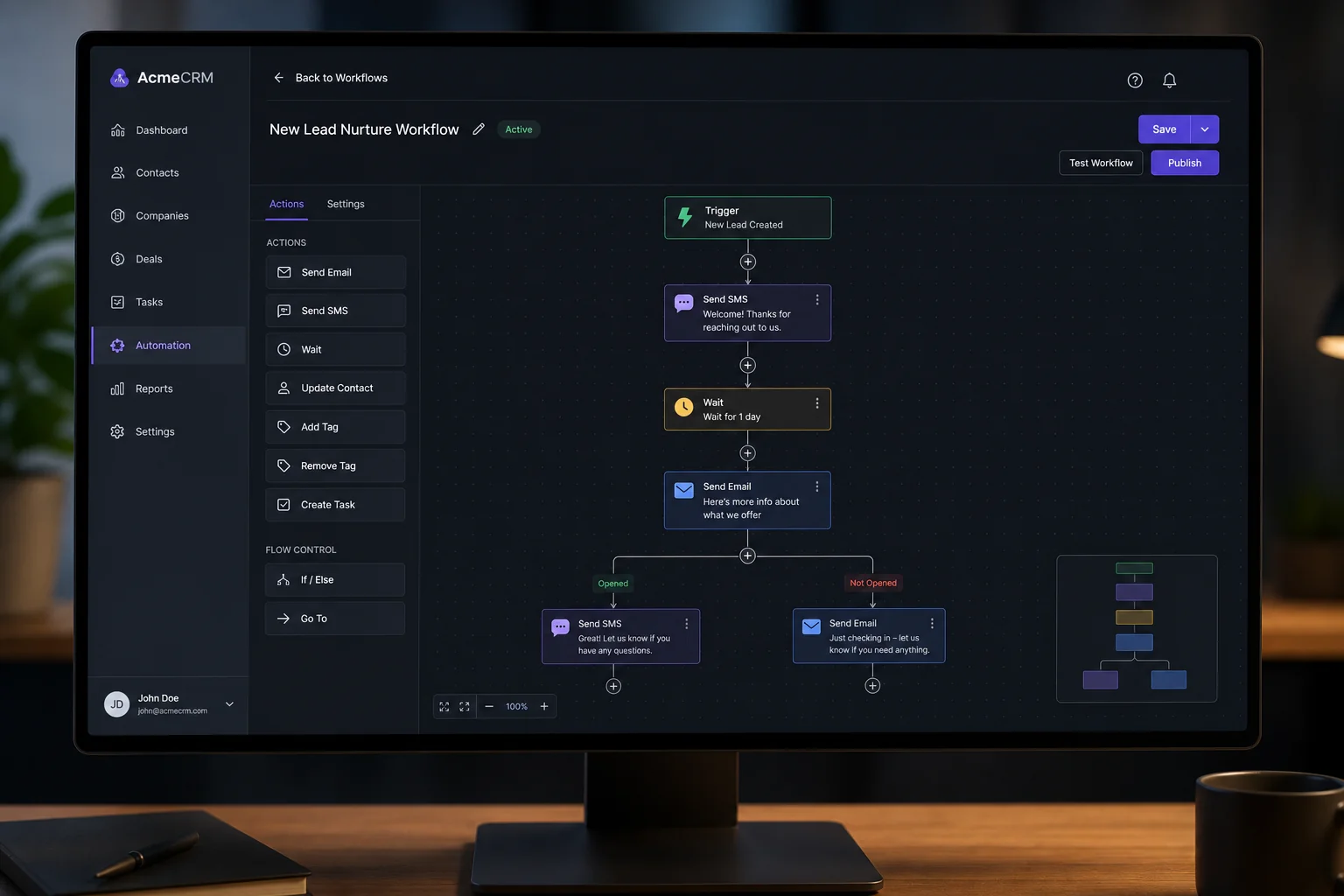
A landing page without follow-up is just a fancy brochure. This step is what makes it a system.
Connect the Form to the CRM
Inside AI Studio, type: "Connect to CRM" and click the button it surfaces. This maps your form fields to your GoHighLevel sub-account so every submission creates a contact automatically. Do a test submission immediately after — go to Contacts and confirm the test lead appeared.
Build the Workflow
Go to Automations and create a new workflow. A note on Workflows AI: it generates message copy decently, but the trigger and logic it sets up usually need to be rebuilt manually. Save yourself time and set it up directly:
- Trigger: External Tracking Event → Filter: Event is "Form Submitted" → Filter: Domain is your AI Studio page → Filter: External Form is your lead capture form
- Action 1 — SMS to Lead: "Hi [First Name], you successfully inquired for your free design consultation (valued at $350). We'll get back to you shortly. [Project Type] | [Timeline] | [Address] — Best regards, [Company Name]"
- Action 2 — Email to Lead: Subject: "[First Name], your free design consultation" — Mirror the SMS copy, add a phone number for questions, personalize with custom field values
- Action 3 — Wait: Wait for Contact Reply (SMS or Email) — Time out after 3 hours
- If replied: End workflow
- If timed out: Send Follow-Up SMS 2 and Email 2 — Keep it short and human: "[First Name], when would be a convenient time for a quick phone call?" No signature, no formality. It should look like a real person sent it.
Use GHL's custom field values to pull the lead's project type, timeline, and address directly into the messages. This level of personalization dramatically increases reply rates compared to generic confirmation templates.
This is also the kind of workflow logic covered in more depth in the GoHighLevel AI Voice Agent guide — if you want to take the follow-up a step further with automated voice calls, that's the natural next layer.
Step 4: Set Up Internal Lead Notifications for Your Client
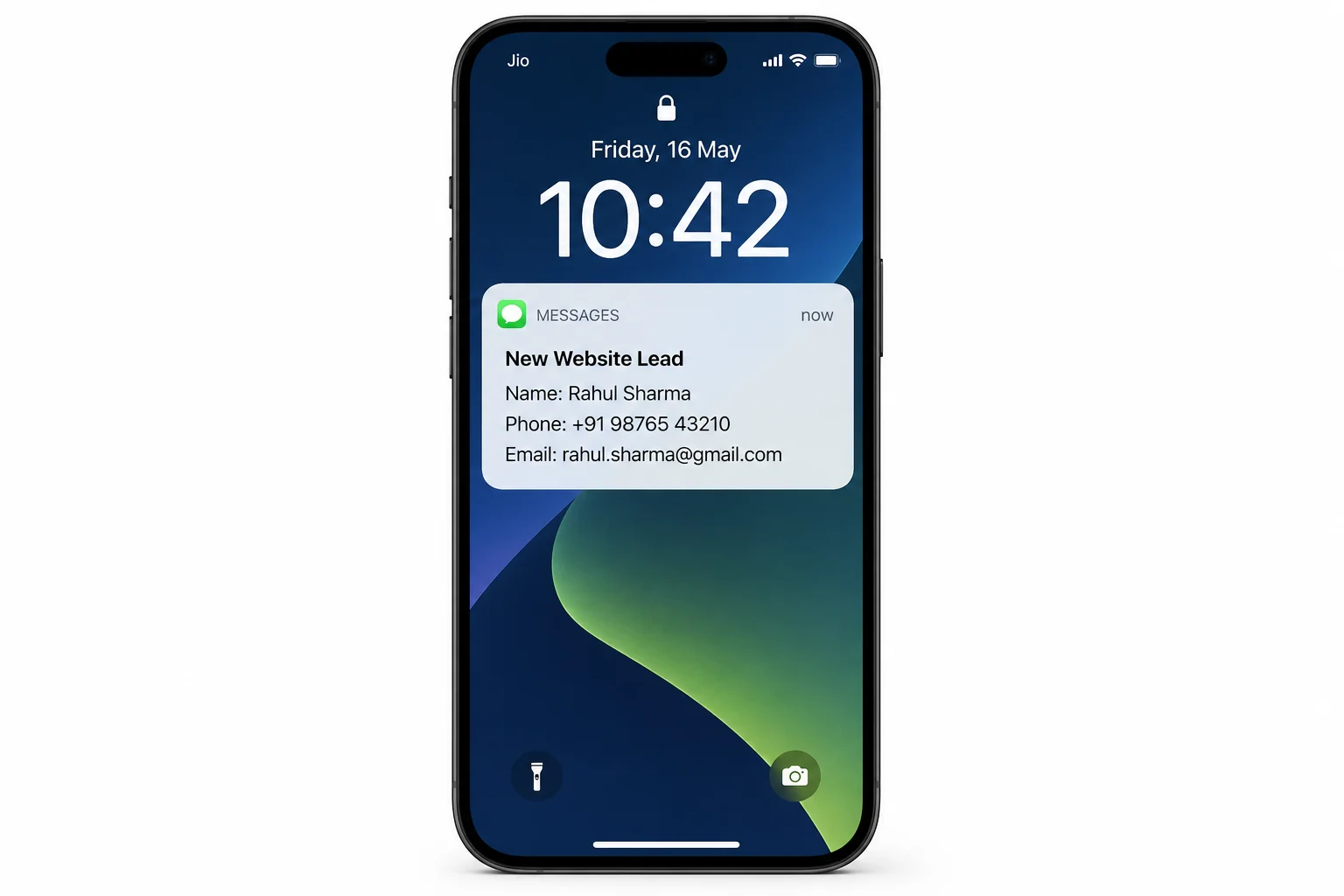
The lead side is sorted. Now do the same for your client — the business owner who's paying you.
Add two more actions in the same workflow, right after the lead confirmation steps:
Internal SMS Notification
Use the Internal Notification action and select SMS. Set the "To" number to the client's business phone number (from their website). The message should include everything they need to call back immediately:
- 🔔 New Website Lead
- Name: [Full Name]
- Phone: [Phone]
- Email: [Email]
- Project Type: [Project Type]
- Timeline: [Timeline]
- Address: [Address]
- How they heard about you: [Referral Source]
Internal Email Notification
Add a second Internal Notification action for email. Send it from your agency domain (e.g., [email protected]). Subject: "New Website Lead — [Full Name]". Your client will see your agency branding in their inbox every time a lead comes in. That's monthly recurring value made visible — and it's why they keep paying you.
For agencies building AI-powered systems for multiple clients, these internal notifications are one of the easiest retention tools you have. Clients who see leads arriving feel the value of what you built. Clients who don't see anything cancel.
Testing, Troubleshooting, and Getting It Live
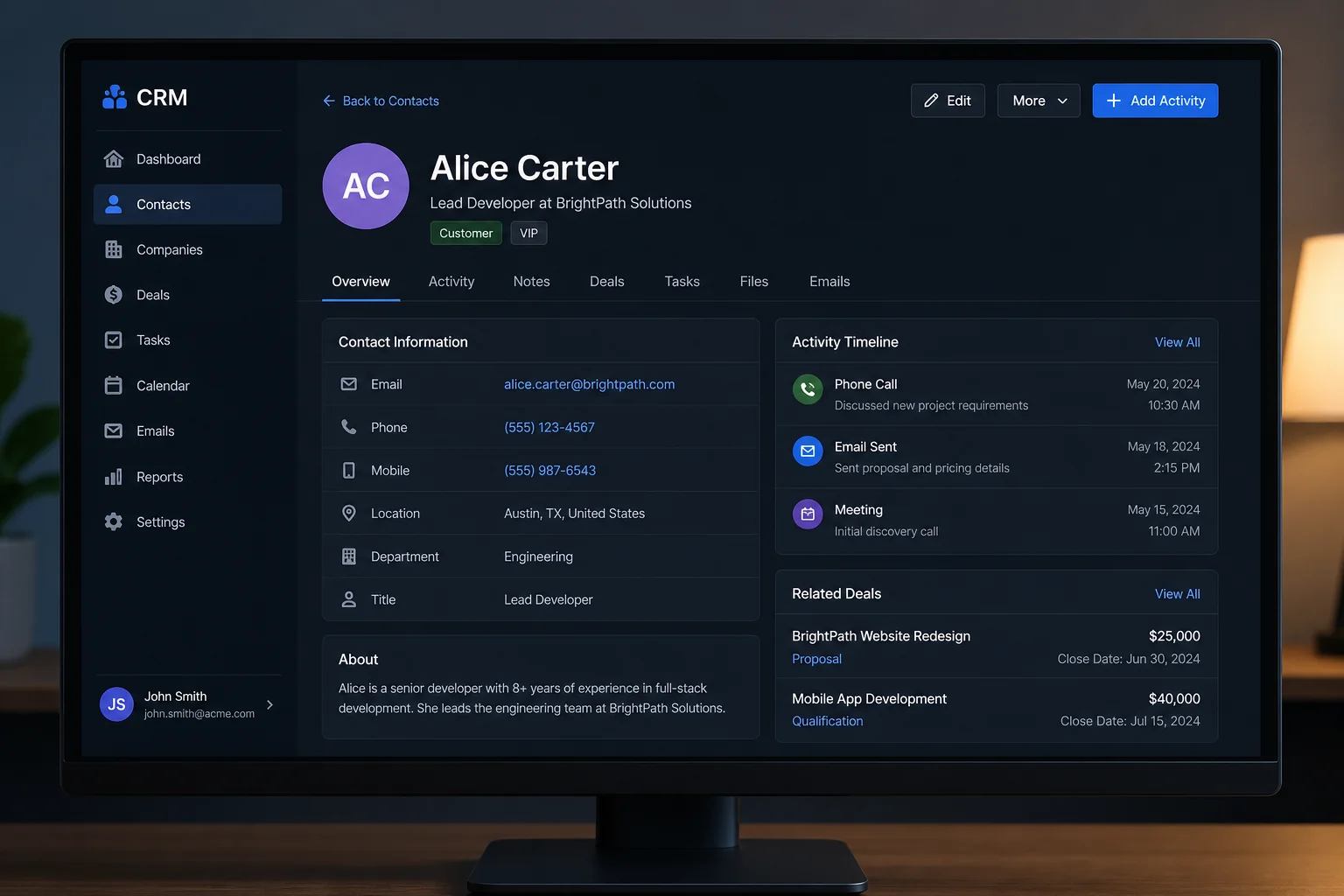
Once you've published the workflow, do a full test run. Go to your landing page, fill out the form with test information, and check:
- Does the contact appear in GHL with all fields populated? (Name, email, phone, project type, timeline, address, referral source)
- Did you receive the internal SMS and email?
- Are the custom fields in the notification messages pulling correctly?
Common Issues to Watch For
Field mapping is the most common failure point. If your custom fields in GHL have short names (like "Type") but the form uses long question labels (like "What type of project are you looking for?"), GHL may not map them automatically. If a field comes through blank, go back into AI Studio, take a screenshot of the form, paste it into a new AI Studio prompt, and ask it to fix the field mapping. Usually one or two rounds of prompting resolves it.
Also check your time restrictions in workflow settings. GHL has quiet hours enabled by default — if you test during off-hours, the SMS won't fire until the allowed window. You can turn this off in Settings → Business Info → scroll down to messaging time restrictions.
Real-world troubleshooting is part of the build. It's also something most YouTube tutorials skip. Budget 20-30 minutes for it on your first build per niche. By your second or third client in the same niche, you'll have a tested template and the whole thing — page build, CRM connection, workflow — will take you under an hour.
What to Charge and How to Sell This Monthly
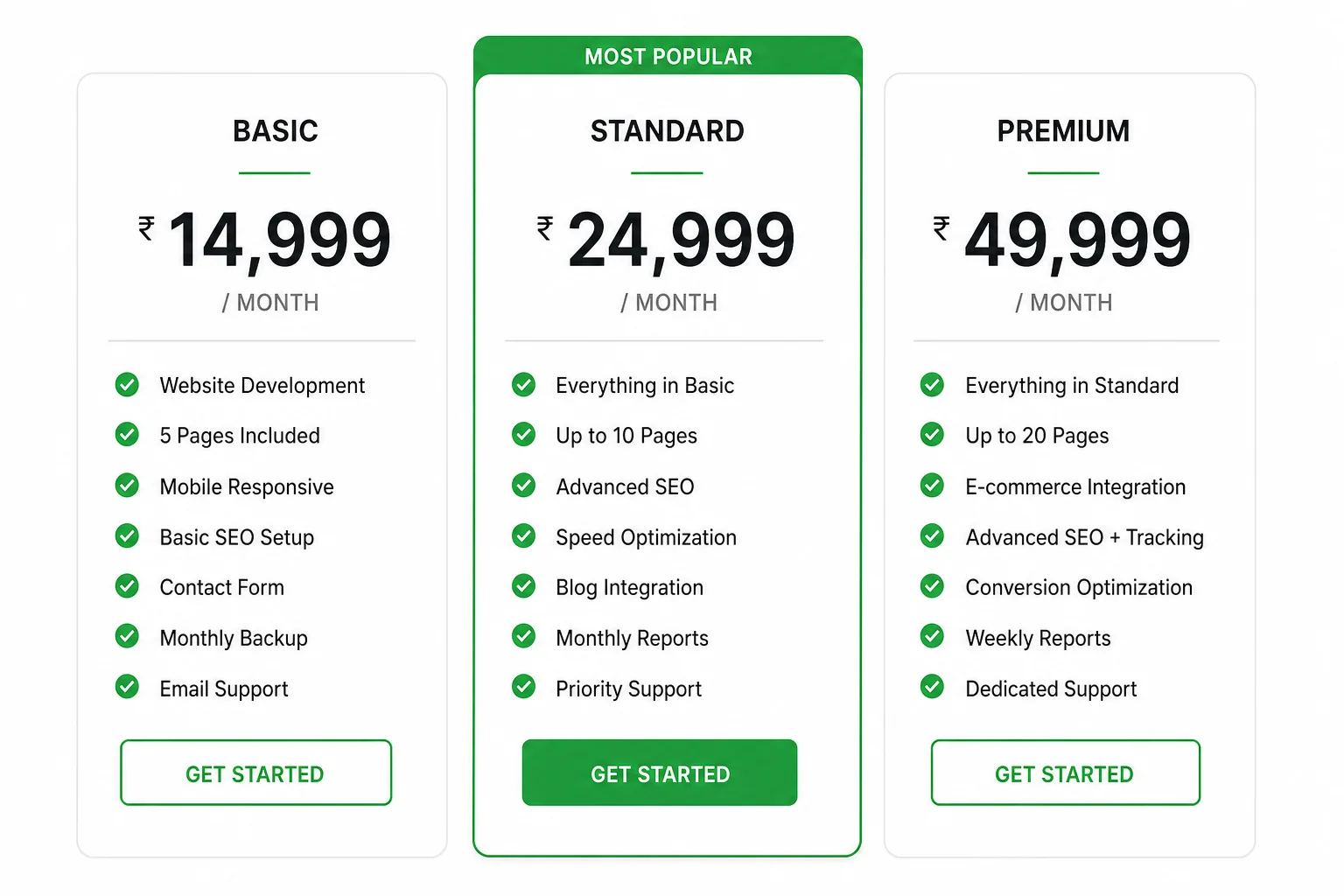
This is a recurring revenue play, not a one-time project. Here's how to think about packaging it:
Setup Fee
Charge a one-time setup fee for the page build, CRM connection, and workflow. A reasonable range for a solo agency owner is ₹15,000–₹40,000 depending on the niche, number of services, and complexity of the form. If you're targeting premium niches like dental or legal, you can push higher.
Monthly Retainer
Charge monthly to host the page on GHL, manage the sub-account, update the workflow, and run the automation. A fair range is ₹5,000–₹15,000/month depending on what's included. The more you automate — follow-up sequences, pipeline management, review requests — the more you can charge.
Why Clients Stay
Clients stay when they see the system working. Every time a lead submits the form, they get an SMS. Every time you fire that internal notification, they feel the ROI. That's the stickiness of this model — compare that to traditional CRM platforms where local business owners see a dashboard they never log into and cancel after month two.
If you're not on GoHighLevel yet, you need it to build any of this. Start your 30-day free trial here — no credit card pressure, full platform access, including AI Studio and Workflows.
Quick Recap: Full System Build at a Glance
| Step | What You Do | Tool Used |
|---|---|---|
| 1. Prompt Generation | Ask AI writes a detailed, niche-specific AI Studio prompt | GHL Ask AI |
| 2. Landing Page Build | Paste prompt into AI Studio, review output, make visual edits | GHL AI Studio |
| 3. CRM Connection | Type "Connect to CRM" in AI Studio, test a form submission | GHL AI Studio + CRM |
| 4. Automation Workflow | Build trigger, SMS, email, wait, and follow-up sequence | GHL Workflows |
| 5. Internal Notifications | Add SMS and email notifications to the client's phone and inbox | GHL Workflows |
| 6. Test and Fix | Submit test lead, verify all fields, confirm SMS and email delivery | GHL CRM + Inbox |
| 7. Publish and Sell | Set workflow live, hand over system, collect setup fee + retainer | GHL + Your Agency |
Frequently Asked Questions
Does this work for niches other than landscaping?
Yes — completely. The exact same system works for HVAC, dental, auto repair, legal, fitness, home renovation, cleaning services, and any other local service business. The only thing that changes is the prompt you feed Ask AI and the custom fields on the form. The workflow logic is identical. Once you've built it once, replicating for a new niche takes under an hour.
Do I need design or coding skills to use AI Studio?
No. Everything in this guide is done in plain language. You type what you want, AI Studio builds it, and you make small adjustments using the visual editor or by typing follow-up prompts. If you can describe what you want in a sentence, you can build a landing page in AI Studio.
Why does the Workflows AI not work properly?
As of mid-2026, Workflows AI generates message copy reasonably well but still gets the trigger logic wrong. It's faster to set the trigger and filters manually, then let Workflows AI handle the message text if you want, and rebuild any broken logic. Budget 10-15 minutes for manual workflow setup and you'll be fine.
Can I white-label the GHL platform and sell it to clients?
Yes. On the Agency Pro plan, you can white-label GoHighLevel entirely — your branding, your domain, your client login. Clients never see the GoHighLevel name. This is how most serious agencies run it: they sell the system under their own brand and use GHL as the engine underneath. For a full breakdown of what this looks like, the GoHighLevel review and tutorial covers it in detail.
What's the minimum I need to get started?
A GoHighLevel account (the Starter plan at $97/month gives you everything needed for this build), a client or a test niche to practice on, and about 2-3 hours for your first full build including testing. After that, each new client in the same niche gets faster. Start your 30-day free trial and build your first system before you even pay for month one.
How is this different from just building a website?
A website sits there. This system follows up. The landing page is only the front end — the CRM connection, automation workflow, and notification system are what make it a lead generation system. You're not selling web design. You're selling a system that captures leads and responds to them automatically, 24 hours a day, even when the business owner is asleep or on a job site.
Conclusion
The gap between a lead submitting a form and getting a response is where most local businesses lose business — and where you come in. With GHL Ask AI, AI Studio, and Workflows, you can build the entire lead generation system in an afternoon, for any niche, without writing a single line of code.
The landing page takes 6 minutes to generate. The CRM connection is one click. The workflow — once you build it once — becomes your reusable template for every future client. What took an agency 3-4 days to build manually now takes a solo operator a few hours.
This is the system. Build it once for yourself to understand it. Build it a second time for a real client. By the third, you'll be doing it in 45 minutes flat, with a setup fee in your pocket and a monthly retainer that compounds with every client you add.
If you want to go deeper on what else GoHighLevel can do for your agency stack, the AI Voice Agent guide is a natural next step — it's how you add a layer of automation on top of the lead follow-up you just built.
And if you're not on GoHighLevel yet — here's the 30-day free trial link. Build the whole system before you pay anything.