How to Build a GoHighLevel AI Voice Agent and Sell It to Local Businesses
GoHighLevel's AI Voice Agent lets any local business answer calls, qualify leads, and book appointments 24/7 — no code required. Here's the exact setup and how to sell it.

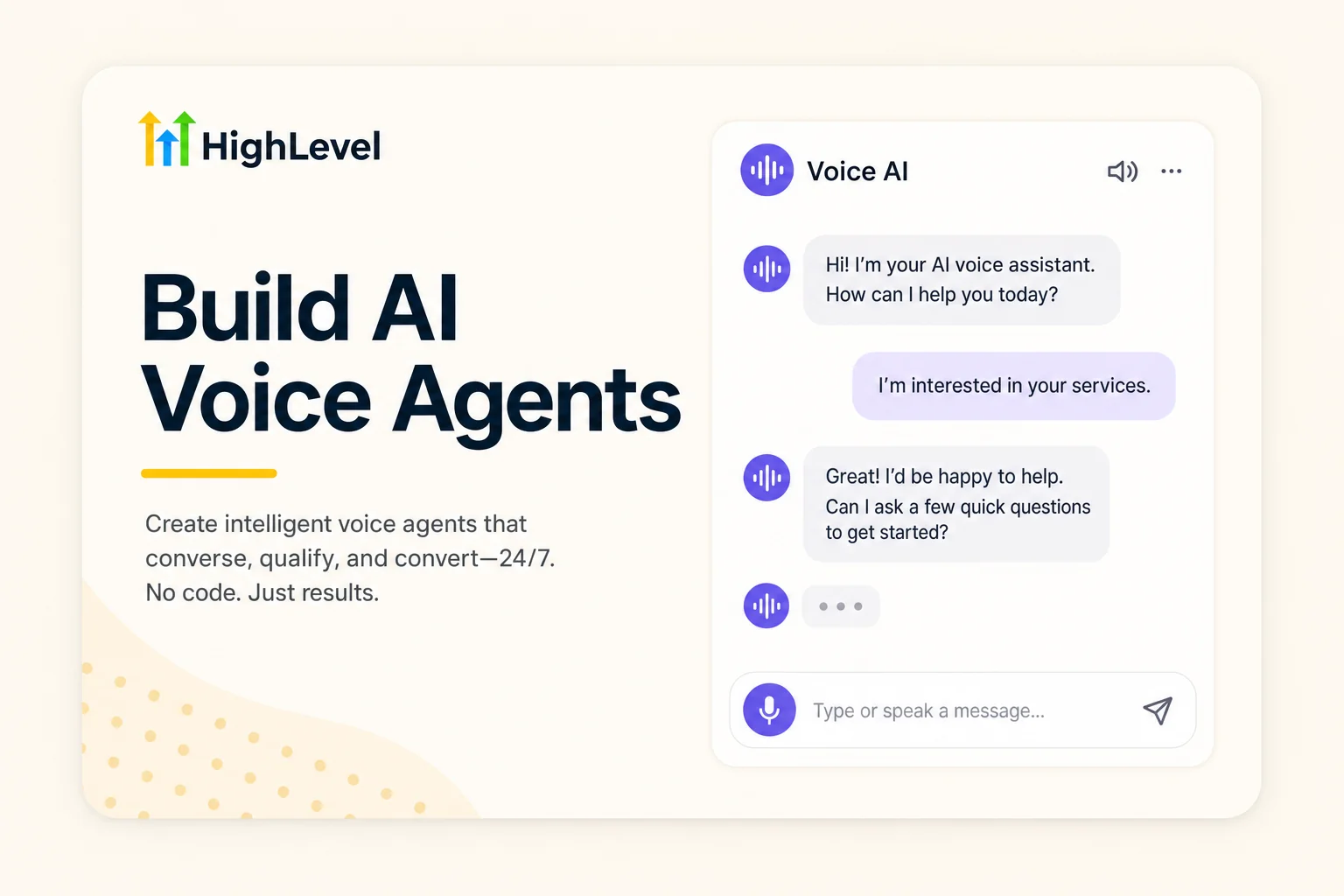
The Business Nobody Told You About
What if you could set up a piece of software in an afternoon, hand it to a local business owner, and charge them $200 to $300 every single month — while the software does all the work?
That's not a pitch. That's exactly what thousands of people are doing right now with GoHighLevel's AI Voice Agent. They're building AI voice agents and Voice AI chat widgets for dentists, restaurants, salons, and real estate agents — and collecting recurring monthly retainers without writing a single line of code.
In this guide, you'll learn exactly how to:
- Build a fully working AI Voice Agent inside GoHighLevel
- Add a Voice AI chat widget to any website with a simple copy-paste
- White-label the entire platform under your own brand
- Package and sell this as a service for $200–$400/month per client
If you're interested in AI-powered businesses you can start this week, this is one of the most concrete, monetisable ones available right now. Let's build it.
What Is a GoHighLevel AI Voice Agent?
A GoHighLevel AI Voice Agent is an AI-powered system that answers phone calls on behalf of a business — automatically. It sounds natural, holds a real conversation, answers questions about services and pricing, qualifies the caller, and books appointments directly into the business calendar.
It's not a phone tree with robotic menu options. It's a live, conversational voice agent that adapts to what the caller says. A dental clinic using this agent can take calls at 7pm on a Friday and still book that appointment — without a human receptionist on duty.
Why Local Businesses Desperately Need This
Here's a number that should stop you in your tracks: 62% of calls to small businesses go unanswered. Every missed call is a missed customer. For a dentist charging $300 per appointment, three missed calls a day is nearly $300,000 in lost revenue per year.
The AI Voice Agent solves this completely. It answers every call, every time, at any hour — and it does it for a fraction of the cost of a human receptionist. That's a business case any local owner understands immediately.
GoHighLevel also offers a complementary tool called the Voice AI Chat Widget — a floating chat bubble you embed on any website that lets visitors call the AI agent directly from the browser. No phone number required. Visitors just click and talk.
Combined, these two tools give a local business a complete AI front desk for both phone and website. If you want a broader picture of how voice AI fits into the agency model, the guide on the best voice AI agents for agencies and businesses covers the full landscape.
How to Build Your First GHL AI Voice Agent (Step by Step)
Everything happens inside GoHighLevel. You don't need to install anything, hire a developer, or touch a line of code. Here's the exact process:
Step 1: Access Agent AI in Your GHL Account
Log into your GoHighLevel sub-account and navigate to the Agent AI section (sometimes listed under "AI Agents" in the left sidebar, depending on your version). If you don't see it, check your Labs settings — some features need to be enabled there first.
Step 2: Create a New Voice Agent
Click Add Agent and select the Voice AI type. You'll be prompted to give your agent a name, a voice (male or female, with several options), and a system prompt that defines how the agent behaves.
The system prompt is where the intelligence lives. Write it like you're briefing a new receptionist on their first day. For example:
"You are Sarah, the AI receptionist for Bright Smile Dental Clinic. You answer questions about our services — teeth cleaning, fillings, and whitening. You can book appointments Monday to Saturday, 9am–6pm. Always be warm and professional. If someone asks about pricing, let them know our teeth cleaning starts at $90."
Step 3: Set Up Your Knowledge Base
The knowledge base is what the agent pulls from when answering caller questions. You can upload a PDF of the business's FAQ, paste in a services list, or link to the business website. The more information you give it, the better it handles edge cases.
Step 4: Assign a Phone Number
Connect the agent to a phone number inside GHL. You can provision a new local number (usually $1–$2/month) or forward an existing business number. Once connected, every inbound call to that number goes directly to your AI agent.
Step 5: Enable Calendar Booking
Connect the agent to a GoHighLevel calendar so it can book appointments in real time. The caller says "I'd like to come in Thursday afternoon" — the agent checks availability and confirms the slot instantly, without any human involved.
Step 6: Test Before You Go Live
Call the number yourself. Have a real conversation. Try to confuse it. Ask about something not in the knowledge base. If the agent handles 80–90% of scenarios well, it's ready. The remaining edge cases get routed to the business owner via call transfer or a follow-up SMS.
How to Add the Voice AI Chat Widget to Any Website

Once the voice agent is built, you can embed it as a chat widget on the client's website. This is where it gets genuinely impressive — website visitors can talk to the AI agent directly from their browser, no phone number, no app, just a click.
Creating the Widget
Inside GHL, navigate to Sites → Chat Widget → Create New. Select the Voice AI widget type. You'll see several customisation options:
- Avatar — upload the business logo or a friendly face image
- Position — top right, bottom right, bottom left (your choice)
- Greeting message — the text that shows before the visitor clicks
- Widget colour and styling — to match the brand
Save the widget and click Get Code. You'll see a small JavaScript snippet — this is what you paste into the website's header. If you can copy and paste, you can do this.
Installing the Widget on a Website
There are two ways:
- Manual code install — paste the snippet into the website's <head> tag using the tracking code section of any website builder (WordPress, Wix, Webflow, Squarespace all support this)
- GHL Website Builder — if the client's site is hosted in GoHighLevel, go to Settings → Chat Widget, select your newly created widget, and save. No code needed at all.
Once live, a small chat bubble appears on the site. When a visitor hovers over it, it lights up. When they click, they can start talking to the AI immediately — like calling a phone, but from the website. For businesses without a website, GHL's website builder has thousands of templates and an AI website builder that can generate a full site from a prompt in minutes.
Going Beyond Voice: Multi-Channel Chat Widgets
The same widget infrastructure also supports SMS chat, email, Facebook, Instagram, WhatsApp, and live chat — all routable through the same GHL unified inbox. Most clients start with Voice AI but quickly want to add SMS and social channels once they see how it works. That's your natural upsell path.
This kind of multi-channel AI support is exactly what the 8 AI agents replacing agency staff article covers in depth — it's a blueprint for the full front-desk replacement stack.
White-Labelling GoHighLevel: Run Your Own AI Software Business
Here's where the business model gets genuinely exciting. GoHighLevel lets you white-label the entire platform — connect your own logo, your own domain, and your own payment processor. Your clients never see the GoHighLevel name. They see your brand.
What White-Labelling Means in Practice
- Your clients log into yourplatform.com, not gohighlevel.com
- The dashboard shows your logo throughout
- Clients pay you directly — payments go straight into your bank account, not through GHL
- You set the pricing. GHL charges you a flat monthly fee. Every dollar above that is your margin
The Economics of White-Label GHL
The Agency Unlimited plan costs $297/month and gives you unlimited client sub-accounts. You can have 1 client or 1,000 clients on the same $297/month subscription. That's not a typo — unlimited.
Now run the numbers: if you charge $299/month per client and you have 10 clients, you're generating $2,990/month in revenue against $297 in platform costs. Your actual profit margin on the software resale alone is over 90%.
Get to 20 clients and you're at nearly $6,000/month from a $297 expense. That's the power of white-labelling an unlimited-account platform.
Setting Up White-Label in GHL
- Upgrade to the Agency Pro (SaaS) plan
- Go to Agency Settings → White Label
- Connect your custom domain (e.g., app.yourplatformname.com)
- Upload your logo and set brand colours
- Connect Stripe as your payment processor
- Set your monthly pricing for client sub-accounts
The entire setup takes a few hours at most. After that, every client you onboard pays you directly, and GoHighLevel runs invisibly in the background. For a full breakdown of everything GHL can do, the GoHighLevel review and tutorial for 2026 covers the platform end to end.
How to Sell AI Voice Agents to Local Businesses ($200–$400/Month)
Building the technology is the easy part. Selling it is where most people hesitate — but they shouldn't. This is one of the simplest pitches in local business services because the problem is obvious and the solution is demonstrable in real time.
Who to Target First
Start with businesses that:
- Receive a high volume of inbound calls (dental, medical, law, salons, home services)
- Are often unreachable after hours or during busy periods
- Book appointments as their primary revenue driver
- Have a Google Business Profile with reviews mentioning "couldn't reach them" or "no one answered"
Dental clinics are the classic starting point. They miss calls constantly, every booked appointment has a clear dollar value, and the decision-maker (the dentist or practice manager) immediately understands the pain of a missed call.
The Pitch That Actually Works
Don't lead with "AI" or "automation." Lead with the outcome:
"What if every call to your clinic was answered, every time, even at 9pm on a Sunday — and the patient could book an appointment right then? I can set that up for your practice in 48 hours."
Then show them a live demo. Call a number you've already set up for a demo business. Let them hear the AI in action. A live demo closes deals faster than any slide deck. Once they hear a natural AI voice answer a call and handle objections smoothly, the sale is effectively done.
Pricing Your Service
A proven pricing structure for this type of service:
| Package | What's Included | Monthly Price |
|---|---|---|
| AI Receptionist Starter | Voice AI agent on one phone number, basic FAQ knowledge base, call summaries | $199/month |
| AI Front Desk | Voice AI + Voice Chat Widget on website, calendar booking, monthly report | $299/month |
| Full AI System | Everything above + SMS follow-up, review automation, CRM access | $399/month |
Most clients start on the middle tier. As they see results — more booked appointments, fewer missed calls, better Google ratings — upselling to the full package becomes a natural conversation.
Scaling to 10 Clients (and Beyond)
Once you've onboarded your first two or three clients and have a working delivery process, scaling is straightforward. The setup for each new client takes 4–6 hours the first time, and drops to 2–3 hours as you build templates. With 10 clients at $299/month, you're generating $2,990/month in recurring revenue with a $297 platform cost — almost entirely passive after the initial setup.
The Retell AI voice agent integration with GoHighLevel is also worth exploring if you want to offer even more advanced voice AI capabilities as a premium tier. And if you want to bundle this with other services, the guide on AI businesses you can start this week has a solid framework for packaging multiple AI services under one retainer.
Quick Recap: GoHighLevel AI Voice Agent Setup
| Step | What You Do | Time Required |
|---|---|---|
| 1. Create Agent | Set up Voice AI agent with name, voice, and system prompt | 20 minutes |
| 2. Build Knowledge Base | Upload FAQ, services list, or website content | 30 minutes |
| 3. Connect Phone Number | Provision GHL number or forward existing business number | 5 minutes |
| 4. Enable Calendar Booking | Link GHL calendar for real-time appointment booking | 10 minutes |
| 5. Create Chat Widget | Build Voice AI widget, customise avatar and position | 15 minutes |
| 6. Install on Website | Paste code snippet or use GHL website settings | 5 minutes |
| 7. Test & Go Live | Call the number yourself, test edge cases | 30 minutes |
Frequently Asked Questions
Do I need any technical skills to build a GHL AI Voice Agent?
No. If you can fill out a web form and copy-paste a snippet of text, you have all the technical skills you need. Everything in GoHighLevel is configured through a point-and-click interface. There is no coding involved at any step.
How much does GoHighLevel cost to get started?
The Agency Starter plan begins at $97/month. For the white-label SaaS reselling capability and unlimited sub-accounts, you need the Agency Pro plan at $497/month. There is an extended 30-day free trial available through this link — more than enough time to build your first client setup and test everything before committing. The Agency Unlimited plan at $297/month also gives unlimited sub-accounts if you just want to use GHL for clients without the SaaS white-label mode.
Can I set this up for a client who already has a website?
Yes, easily. The Voice AI chat widget is a small JavaScript snippet that embeds into any website — WordPress, Wix, Squarespace, Webflow, custom HTML, anything. If the client's site has a header, you can install it. It takes five minutes.
What happens when the AI can't answer a caller's question?
You configure a fallback action in the agent settings. The most common options are: transfer the call to a human, send a follow-up SMS, or log the caller's details for a callback. The AI handles 85–90% of typical calls cleanly; the remaining edge cases get routed gracefully.
How do I get my first client for this service?
Start with businesses in your personal network — people you already know who own or manage a local business. Offer to set it up for free for 30 days. Once they see even 5–10 extra appointments booked in the first month, converting them to a paid retainer is a very easy conversation. Alternatively, look for businesses on Google Maps with reviews mentioning "no one answered" or "hard to reach" — those are your warmest prospects.
Is $297/month for GHL worth it if I only have a few clients?
Yes, because even one client paying $299/month covers the entire platform cost. At two clients, you're already profitable. The platform's value compounds with every client you add since there are no per-account fees. The full GoHighLevel review breaks down exactly what you get at each pricing tier.
Conclusion
The GoHighLevel AI Voice Agent is one of the clearest and most profitable entry points into the AI services business right now. The technology works, the business case for local clients is immediate, and the economics of white-labelling an unlimited-account platform mean your margins get better — not worse — as you grow.
The setup takes an afternoon. The first client closes faster than almost any other service pitch because you can demo it live. And once you have ten clients at $299/month, you have a $3,000/month recurring business running on a $297/month tool.
If you're exploring different ways to monetise AI, take a look at the 8 AI agents replacing agency staff in 2026 — the voice agent is just one piece of a full AI front-desk stack that agencies are selling right now.
Start with one client. Set up one voice agent. Make one live demo call. The rest follows naturally.
Ready to try the platform? Get your extended 30-day free trial of GoHighLevel here and build your first AI Voice Agent today.