Use Retell AI and Build AI Voice Agents Inside GoHighLevel

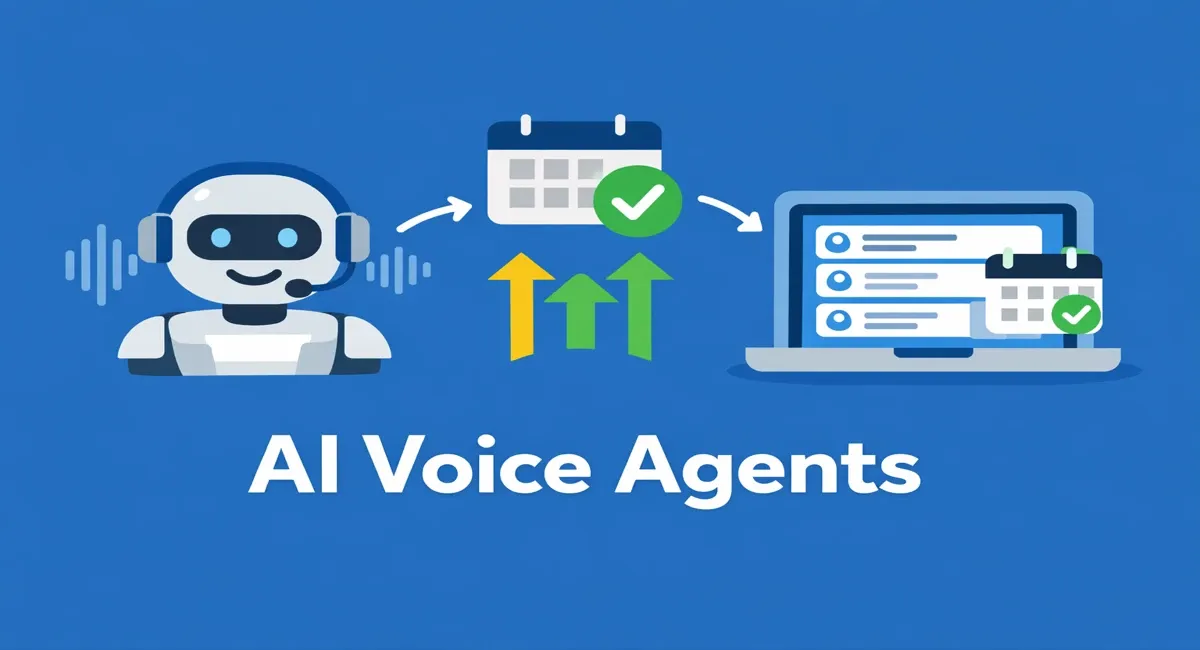
In this guide, I will walk you through exactly how to use the Retell AI platform to build your own AI voice agents. We will cover how to ensure your prompting is optimized, how to configure the internal settings correctly, and how to seamlessly integrate Retell AI directly into GoHighLevel. This integration ensures that your calendar syncs perfectly, allowing the AI to book events directly onto your native GoHighLevel calendar, whether you are building this for your own business or for clients.
To make this seamless integration possible, I had a custom app developed specifically for GoHighLevel. This bridges the gap between a live Retell AI call and a direct booking on the CRM’s native calendar. I will walk through the entire setup process, from basic automations for a simple agent to advanced configurations for complex, multi-day follow-up sequences.
If you are following along, I provide a 30-day GoHighLevel trial link in the provided resources. Signing up through that link triggers an automated email containing a custom GoHighLevel snapshot. This snapshot grants access to the necessary app, advanced prompting templates, and a custom GPT specifically trained to write AI caller prompts.
Proven Client Results with AI Voice Agents
Before diving into the technical setup, it is helpful to understand the actual volume and conversion potential of these AI voice agents. Looking at live analytics inside the Retell dashboard provides a clear picture of how this works at scale.
In one client account, the AI has handled over 962,000 outbound calls to opted-in leads. This specific client requires live call transfers, meaning the AI qualifies the prospect and directly transfers them to a live human sales agent. While a large percentage of outbound calls go unanswered, an impressive 15% of these calls—over 150,000 in total—successfully converted into live transfers.
In another account within the insurance space, the goal is booked appointments rather than live transfers. Out of 15,000 total calls, 62% were successful conversations that resulted in a booked appointment. Similarly, an account in the healthcare sector shows a 36% booking rate out of nearly 9,000 calls. The analytics provided by Retell allow you to track metrics like call pickup rate, success rate, and transfer rate at a quick glance without needing a deep technical background.
Building Your AI Agent in Retell
To begin, you will need to create a free account on Retell AI. Once inside the dashboard, navigate to the agent creation section and select a voice agent. Choose the single prompt agent type and opt to start from a blank canvas.
This setup process will display the agent ID, LLM ID, latency metrics, and the estimated cost per minute. For the most efficient performance, select the GPT-4o mini model on the fast tier. This option is highly cost-effective, running at around eight to nine cents per minute of talk time.
Next, you must select the voice for your AI agent. Simo and Grace are two specific voices that generally perform exceptionally well, though you can test others. Female AI voices tend to have higher engagement and conversion rates based on historical data. Ensure your language settings are correct; the platform supports a massive variety of languages, including French, German, and Hindi, alongside English.
Crafting the AI Prompt
Writing the correct script and instructions is the most important part of this process. Using the custom prompt creation GPT mentioned earlier streamlines this entirely.
When communicating with the custom GPT, outline exactly what the agent is meant to do. For example, explain that you are building an outbound calling agent for a marketing agency serving real estate professionals. The GPT will prompt you for variables to build the context:
- Lead source: Are these opted-in leads? (Confirming consent is important for compliance).
- Company Name: Provide your business name.
- Website: Providing a website allows the prompt generator to scrape relevant data.
- Agent Name: Assign a name to the AI, such as Sarah.
- Call Recording Disclosure: Determine if your state or the state you are calling requires a disclosure stating the call is recorded.
- Target Audience & Qualifying Questions: Specify who is being called and what questions the AI should ask, such as how many deals they close monthly or what their current goals are.
Once these parameters are provided, the GPT generates a highly optimized, complete prompting script designed specifically for Retell AI.
Configuring Agent Settings
While the script is generating, you can adjust the internal settings of your Retell AI agent.
First, adjust the welcome message setting to ensure the AI speaks first. Set this to a custom message. Once the script is ready, you will input a dynamic greeting here, such as: "Hello, is this {{contact_name}}?" This allows the AI to immediately address the lead by name when they pick up.
Under the knowledge base settings, you have the option to upload documents or link a website. The AI can pull from this data source in real-time to answer specific questions about your business.
For speech settings, ensure the background noise is set to none. Under real-time transcription settings, turn on the option to remove noise and background speech, and optimize the transcription for accuracy. If you are operating in a specialized field, you can select the medical vocabulary specialization or manually add boosted words to ensure the AI recognizes complex industry terms.
Call settings are equally critical. Enable voicemail detection and set the system to hang up if a voicemail is reached. Turn off user keypad input. To prevent the AI from wasting talk time and accumulating costs when a lead is unresponsive or trolling, configure the agent to automatically end the call after one minute of total silence. Finally, establish a maximum call duration of around 15 to 20 minutes, depending on your script length.
Once your prompt script is fully generated, paste it into the prompt section of your agent and save. If the script contains any bracketed instructions intended for the AI—such as directions to pause and wait for the user to respond—ensure those are removed or edited so the AI does not read them aloud. You can run the script through another standard LLM to quickly clean up any structural formatting before finalizing it.
Setting Up Phone Numbers
To place calls, the agent needs a dedicated phone number. Navigate to the phone numbers section in Retell and choose between Twilio or Telnyx to purchase a new number. Telnyx numbers tend to flag as "Spam Likely" much less frequently.
Search for your desired area code and purchase the number, which typically costs just a few dollars. Once acquired, attach your newly created AI agent to this specific phone number.
Connecting the CRM via Symphona Connector
To connect the agent to GoHighLevel, you will use the Symphona Connector app downloaded from the marketplace.
Inside your GoHighLevel account, open the app and create a new connection. You will need your Retell API key, which is located in the settings menu of your Retell account. Copy the API key and paste it into the connector app to authenticate.
Once authenticated, the app will sync and display the AI agents you have built. Select your specific agent and link it to the phone number you just purchased. The most crucial step here is connecting the agent directly to your targeted GoHighLevel calendar. Set the primary function to "book call." This seamless connection ensures the AI can access your calendar availability and book appointments dynamically during the conversation.
Implementing Basic Automations
With the integration complete, you must configure the CRM workflows that trigger the AI to call leads. The provided basic automation folder contains four distinct workflows to handle the entire lifecycle of a lead.
1. The Trigger Workflow
This automation starts when a lead opts in, such as submitting a form on a landing page or a Facebook Lead Form. The workflow moves the lead into a "Call in Progress" pipeline stage and waits three minutes. It then passes through a concurrency limiter. Because Retell AI can only support about 18 to 20 simultaneous calls, this limiter restricts the volume to a batch size of 15. The workflow then triggers the "Place Call" function, selecting your connected AI agent, and adds a "Called" tag to the contact.
2. Post-Call Sorting
Once a call concludes, this automation determines if it was inbound or outbound and updates the CRM accordingly. Through the app integration, the AI automatically generates a comprehensive call summary and injects it directly into the lead's contact notes. If the call was outbound and unanswered, or if the lead was entirely un-interested, the workflow organizes them into the appropriate pipeline stages and tags them accordingly.
3. Booked Appointments
This workflow is triggered specifically when the AI successfully books an appointment. It immediately moves the lead to the "Booked" pipeline stage, adds a booking tag, and removes the contact from all other follow-up workflows. This prevents the system from accidentally calling a lead who has already scheduled a meeting.
4. No-Show Follow-Up
If a lead does not answer the initial AI call, this automation waits ten minutes and dispatches an automated SMS text. The text casually mentions that you just tried reaching out to them and asks for a better time to connect.
Advanced Automations for Long-Term Nurture
For scenarios requiring aggressive follow-up, the advanced automations folder contains a multi-day sequence designed to pursue leads continuously without breaking compliance.
This massive workflow operates on the same core principles but schedules consistent touchpoints over a span of six days. If the first call hits a voicemail, the system automatically attempts a double-dial. If the lead remains unreachable, the workflow schedules subsequent calls for the morning and afternoon of Day 1, Day 2, and so on, up until Day 6.
A critical component of this advanced setup is respecting business hours. The automation checks the time to ensure it only dials between standard operating hours, keeping your outreach compliant. Furthermore, because scheduling dozens of calls across multiple days can easily exceed Retell's concurrency limits, this advanced workflow routes all outgoing dials into one centralized "Place Call" sequence. This funnels all leads into a strict batch size of 18, releasing them in intervals so the AI agent does not crash from overload.
Just like the basic setup, if a lead books an appointment at any point during this six-day cycle, the booked appointment workflow removes them from the nurture sequence entirely, stopping all future automated calls.
Following these steps allows you to build a highly capable AI voice agent, prompt it accurately for your specific use case, and integrate it securely into a CRM environment to handle massive lead volume automatically. Optimize the script, test the settings heavily, and refine the prompt based on real call interactions to maximize your booking rates.